Upgrade to Pro
— share decks privately, control downloads, hide ads and more …
Speaker Deck
Sign up for free
Menu
Search
Features
All features
Private URLs
Password Protection
Custom URLS
Scheduled publishing
Remove Branding
Restrict embedding
Deck Collections
Notes
Features
All features
Private URLs
Password Protection
Custom URLS
Scheduled publishing
Remove Branding
Restrict embedding
Deck Collections
Notes
Explore
Featured decks
Featured speakers
Programming
Technology
Storyboards
Explore
Featured decks
Featured speakers
Programming
Technology
Storyboards
Pricing
Search
Sign in
Sign up for free
test with gs resize
Search
John Nunemaker
October 15, 2025
7
0
Share
Embed
Copy iframe code
Copy JS code
Copy link
Start on current slide
test with gs resize
John Nunemaker
October 15, 2025
More Decks by John Nunemaker
See All by John Nunemaker
training
jnunemaker
0
12
Group Hug
jnunemaker
0
5
original
jnunemaker
0
3
Scale saas
jnunemaker
1
15
asdf
jnunemaker
3
180
10 things
jnunemaker
1
420
with new buildpacks
jnunemaker
0
18
Featured
See All Featured
The MySQL Ecosystem at GitHub
erunyon
PRO
2
150
Typography & Iconography in Cross-Cultural Design
zastrow
1
21
XXLCSS: How to scale CSS and keep your sanity 2
orderedlist
2
420
Taking the Web Offline
erunyon
PRO
1
160
Transcript
クリック一つでローカルウェ ブサーバーを起動しよう 開発環境をワンクリックで立ち上げたいと思ったことはありませんか?今日 はそんな便利な方法をご紹介します。 GeneLab
今回の目標 アイコンのダブルクリックだけ 面倒なコマンド入力なしでローカルサーバーを起動します。 ライブサーバーの自動起動 コードの変更をリアルタイムで確認できます。 ブラウザの自動オープン サイトが自動的にブラウザで表示されます。
事前準備 Node.jsの確認 ターミナルで node -v と入力します。 バージョン番号が表示されればOKです。 Homebrewのインストール 未インストールの場合は公式スクリプトを実行します。 Node.jsのインストール
brew install node でインストールできます。
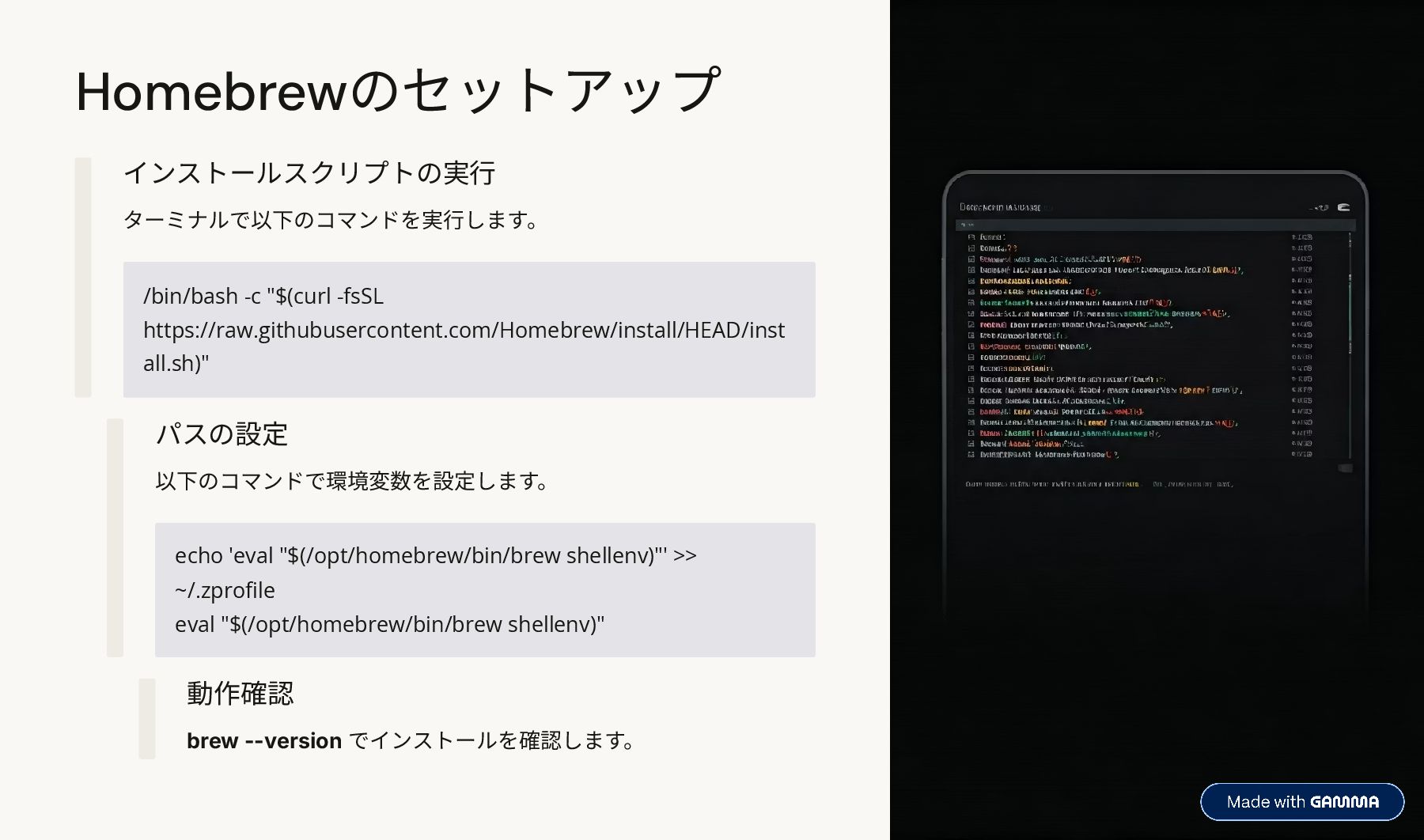
Homebrewのセットアップ /bin/bash -c "$(curl -fsSL https://raw.githubusercontent.com/Homebrew/install/HEAD/inst all.sh)" インストールスクリプトの実行 ターミナルで以下のコマンドを実行します。 echo
'eval "$(/opt/homebrew/bin/brew shellenv)"' >> ~/.zprofile eval "$(/opt/homebrew/bin/brew shellenv)" パスの設定 以下のコマンドで環境変数を設定します。 動作確認 brew --version でインストールを確認します。
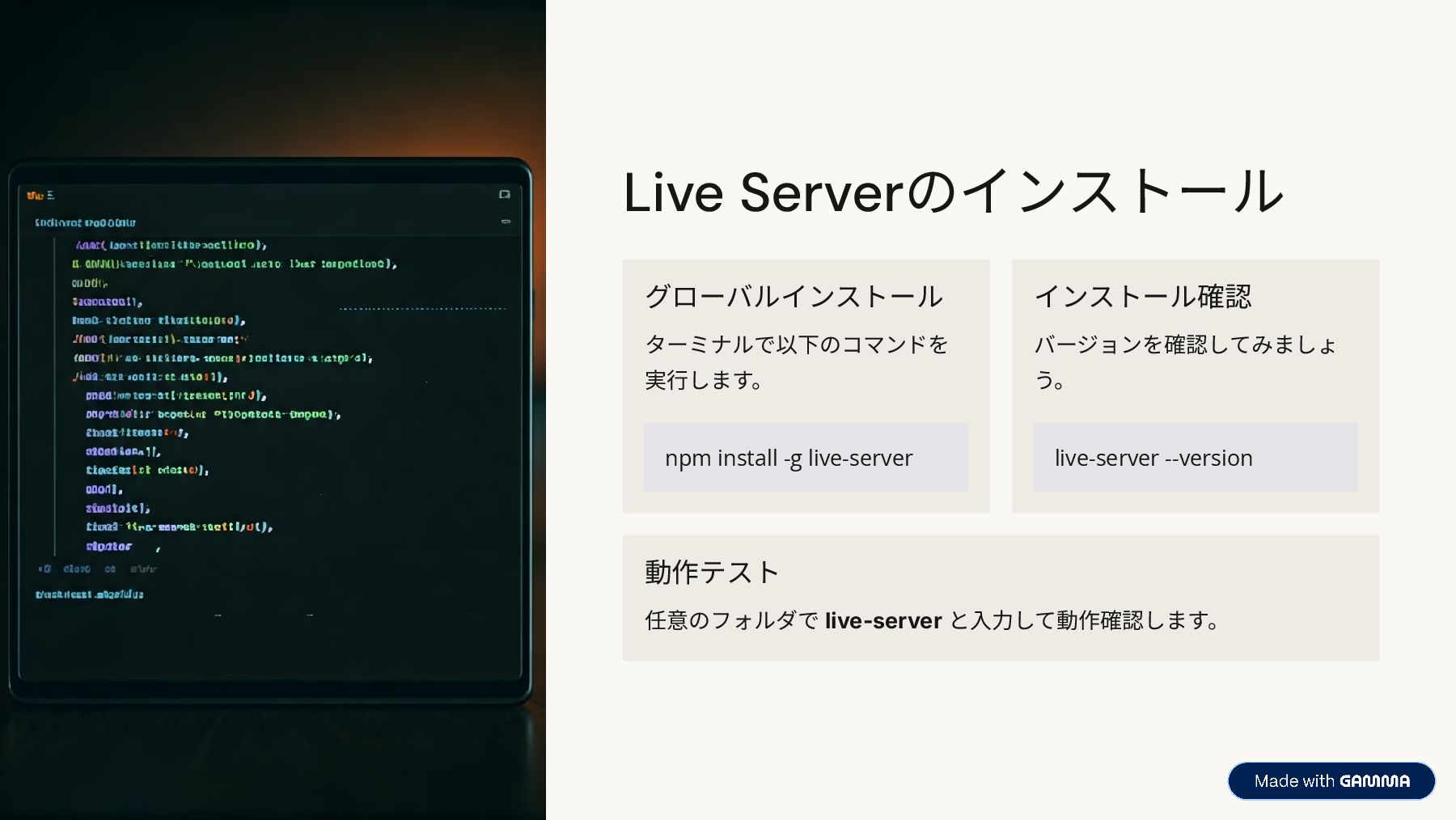
Live Serverのインストール npm install -g live-server グローバルインストール ターミナルで以下のコマンドを 実行します。 live-server
--version インストール確認 バージョンを確認してみましょ う。 動作テスト 任意のフォルダで live-server と入力して動作確認します。
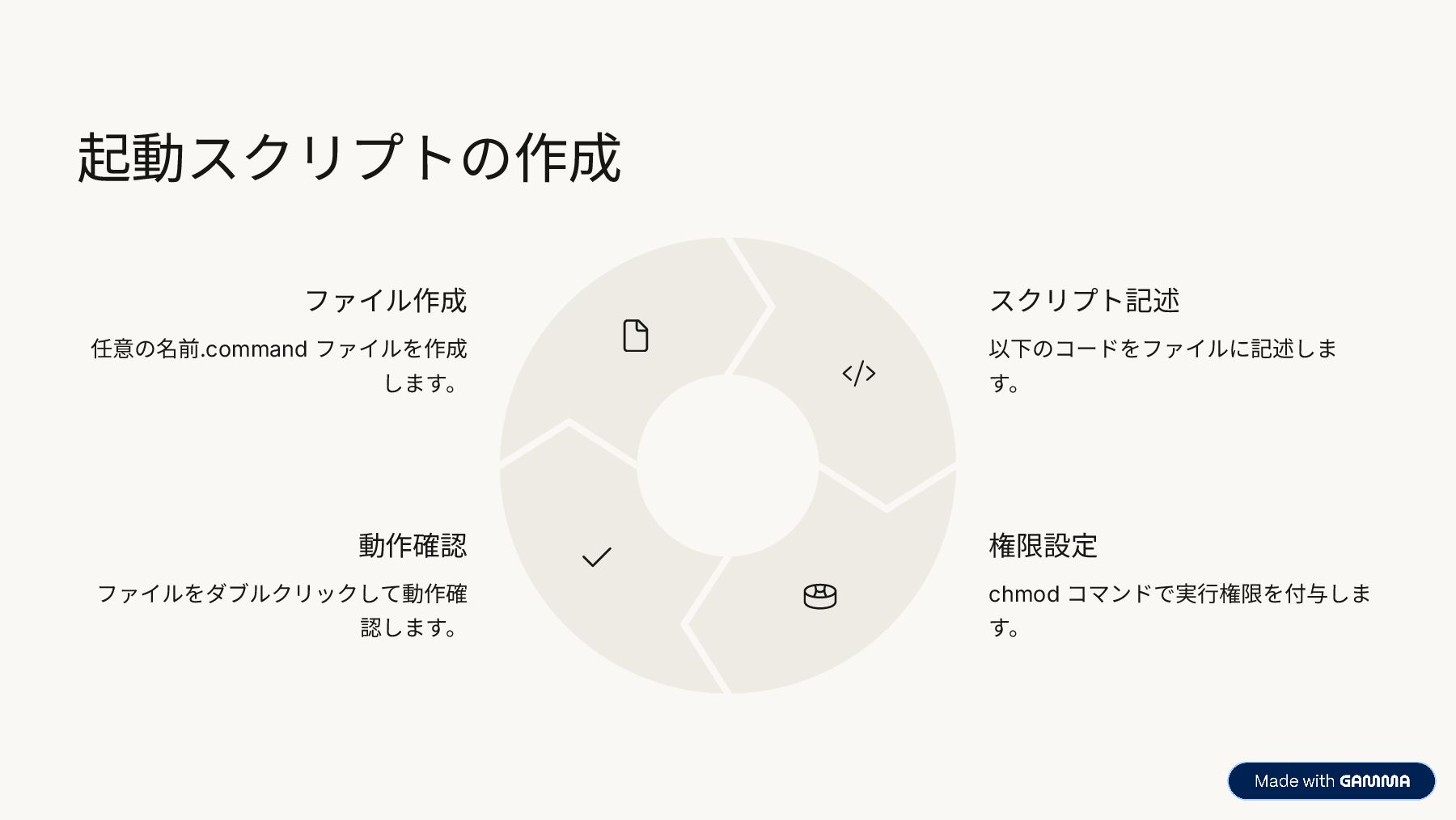
起動スクリプトの作成 ファイル作成 任意の名前.command ファイルを作成 します。 スクリプト記述 以下のコードをファイルに記述しま す。 権限設定 chmod
コマンドで実行権限を付与しま す。 動作確認 ファイルをダブルクリックして動作確 認します。
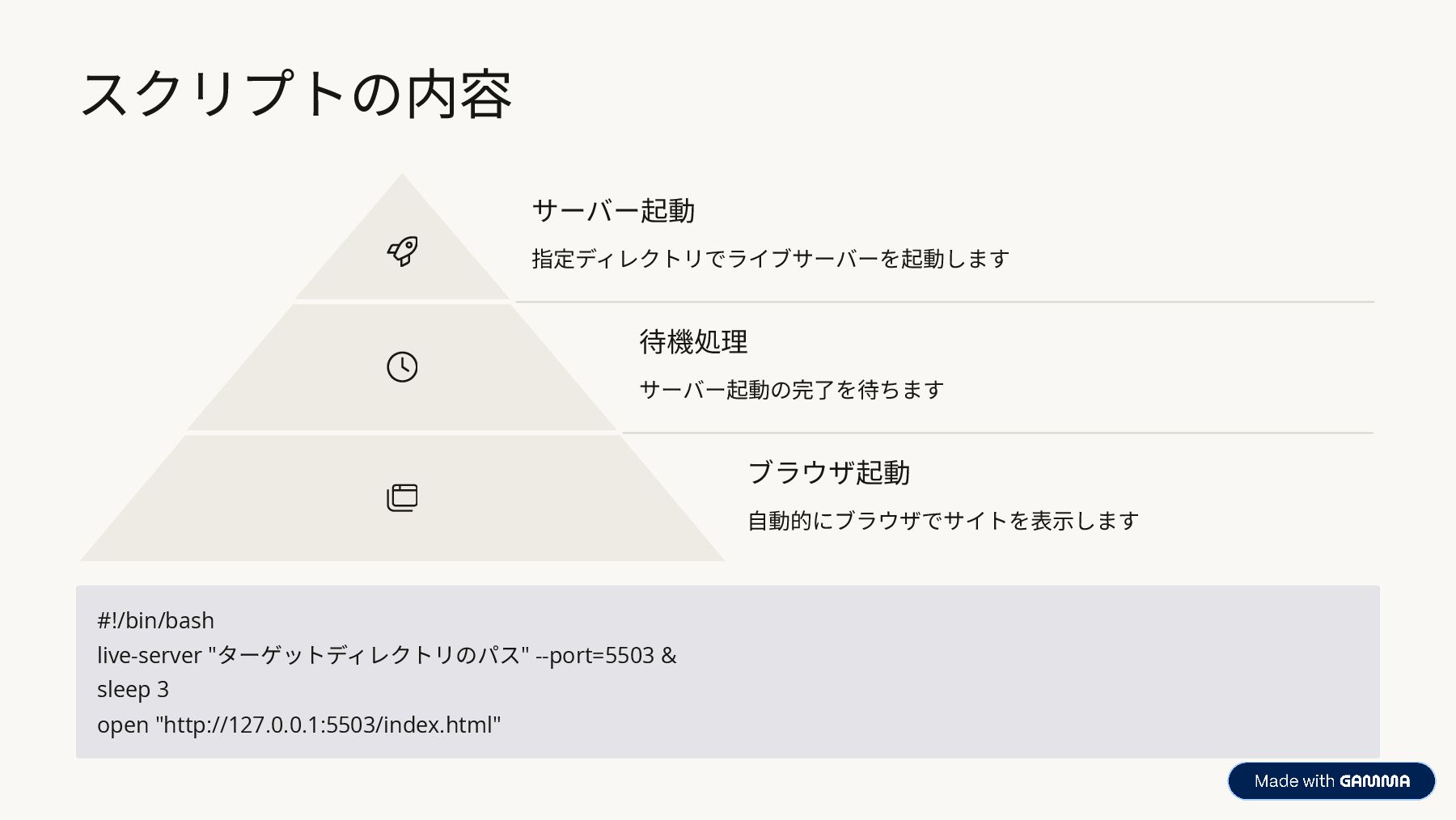
スクリプトの内容 サーバー起動 指定ディレクトリでライブサーバーを起動します 待機処理 サーバー起動の完了を待ちます ブラウザ起動 自動的にブラウザでサイトを表示します #!/bin/bash live-server "ターゲットディレクトリのパス"
--port=5503 & sleep 3 open "http://127.0.0.1:5503/index.html"
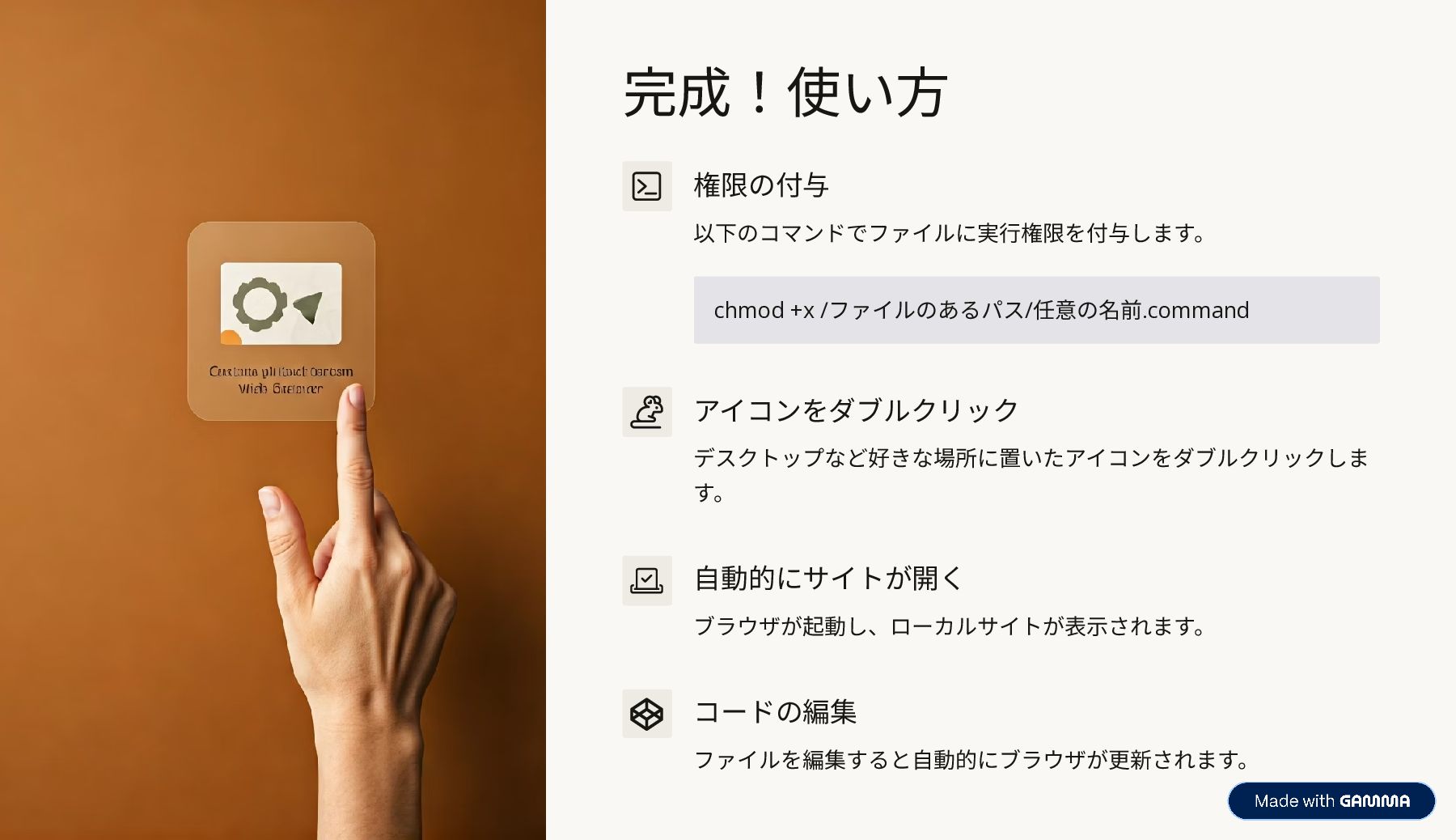
完成!使い方 chmod +x /ファイルのあるパス/任意の名前.command 権限の付与 以下のコマンドでファイルに実行権限を付与します。 アイコンをダブルクリック デスクトップなど好きな場所に置いたアイコンをダブルクリックしま す。 自動的にサイトが開く
ブラウザが起動し、ローカルサイトが表示されます。 コードの編集 ファイルを編集すると自動的にブラウザが更新されます。


 jnunemaker
 erunyon
 zastrow
 orderedlist