My favorite color is Red! My favorite color is Red! My favorite color is Purple! My favorite color is Red! My favorite color is White! My favorite color is Blue! My favorite color is Red! My favorit color is Red! My favorite color is Red! My favorite color is Red! My favorite color is Red! My favorite color is Red! My favorite color is Burgandy! My favorite color is Yellow! My favorite color is Red!
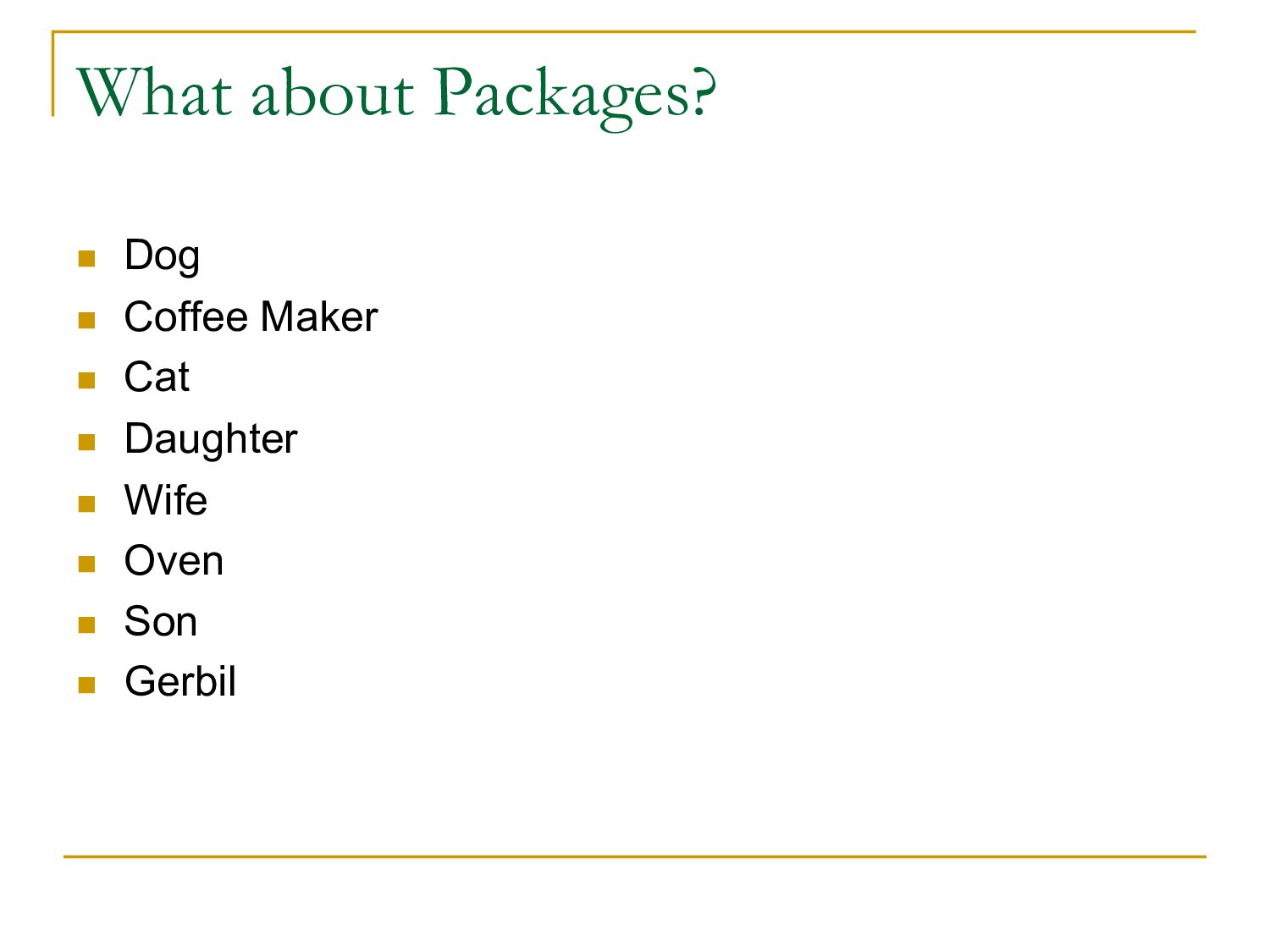
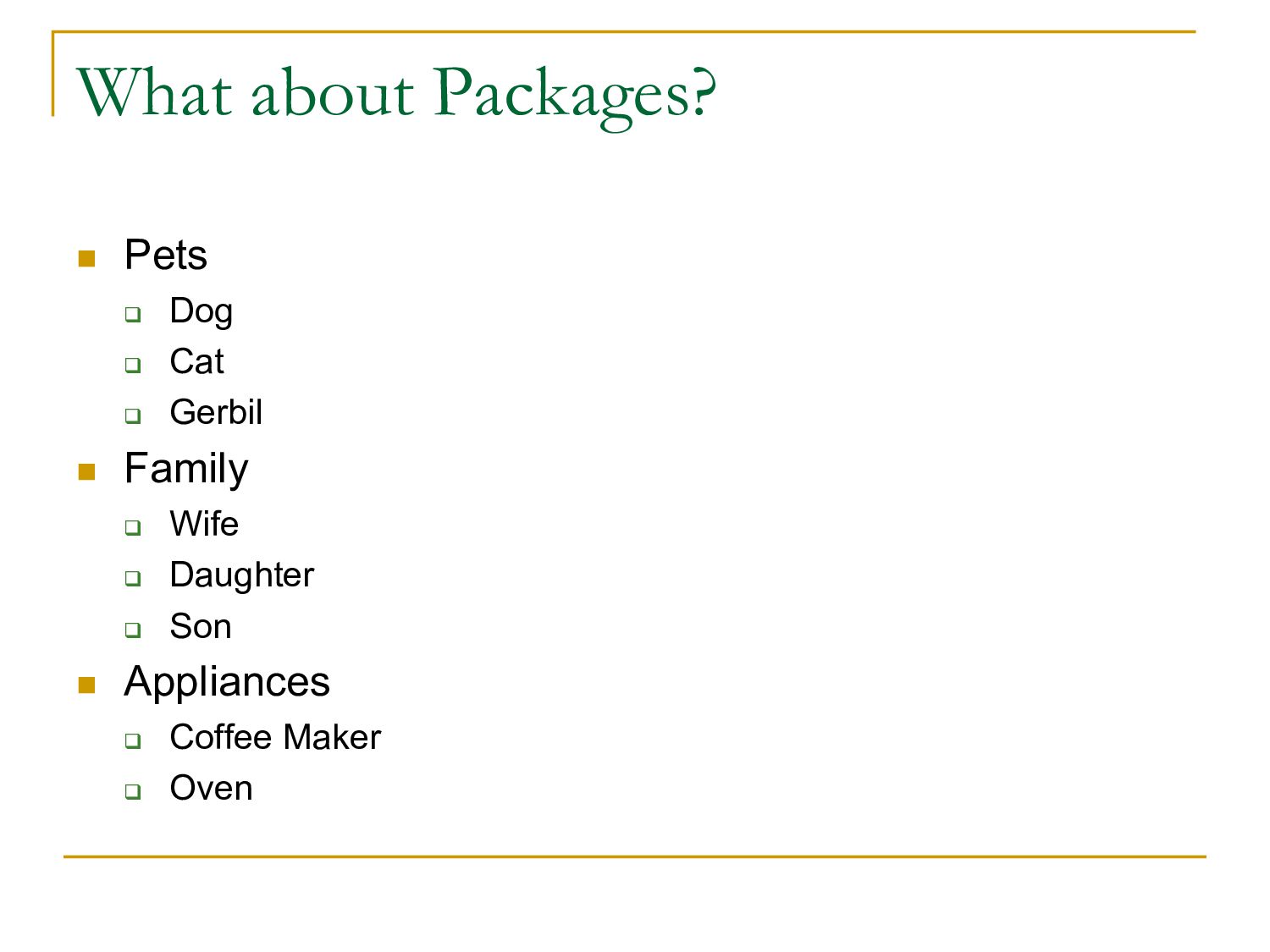
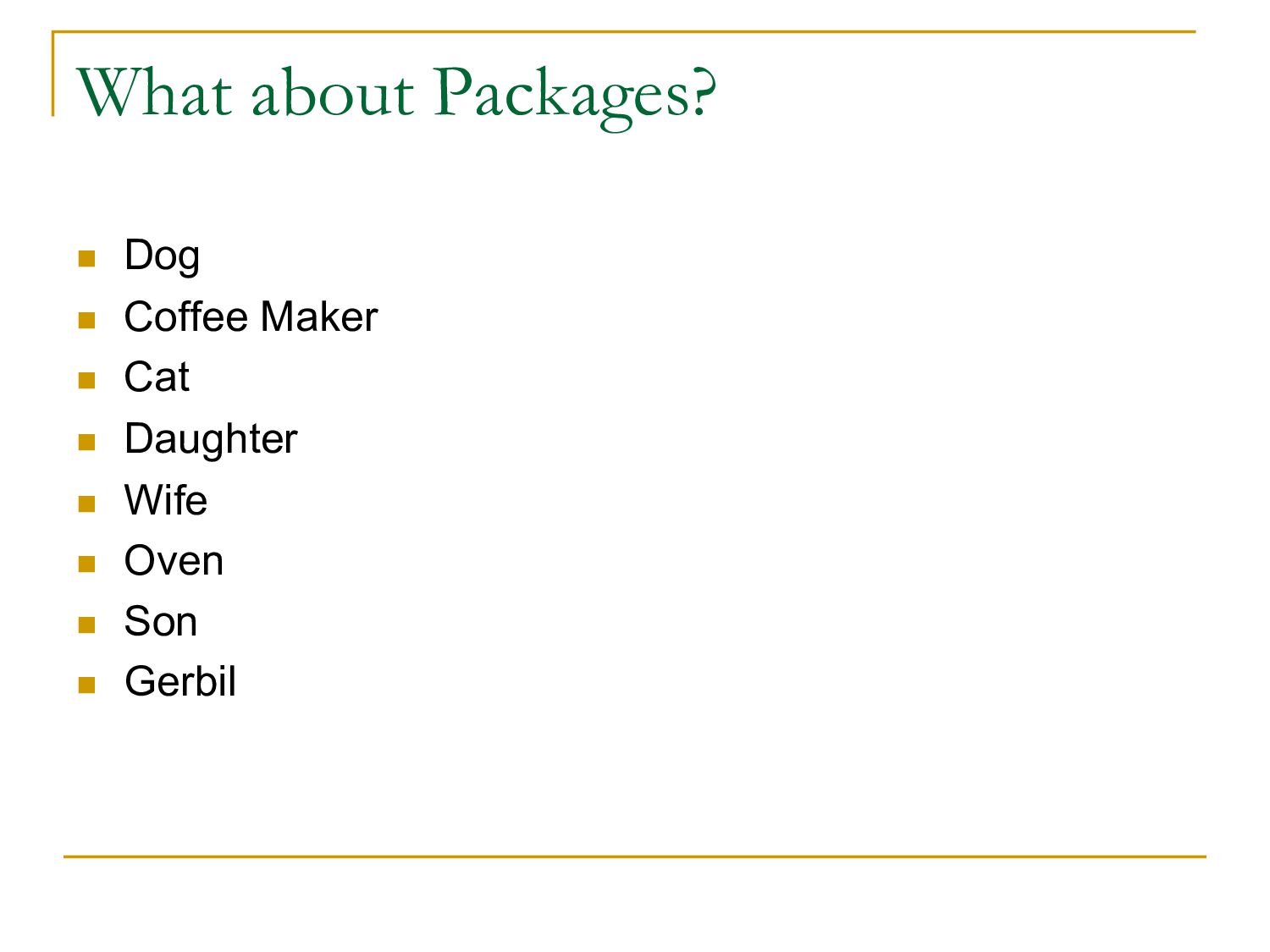
takes a lot of code to accomplish tasks n OOP leads to breaking up code into smaller self contained bits (Objects) n Within objects, you can break code into smaller methods n But there can be a lot of Objects n Modules and Packages can help organize code
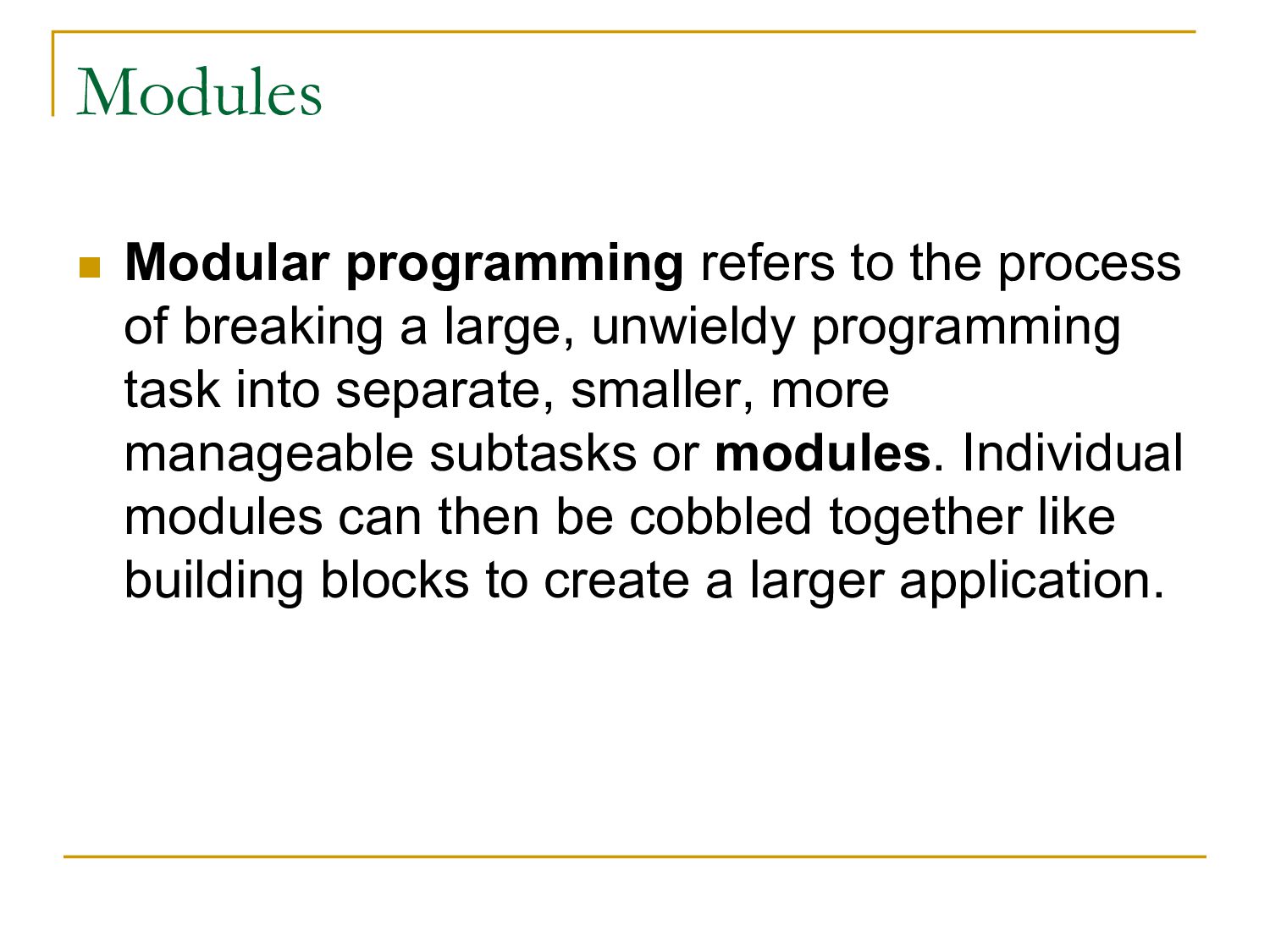
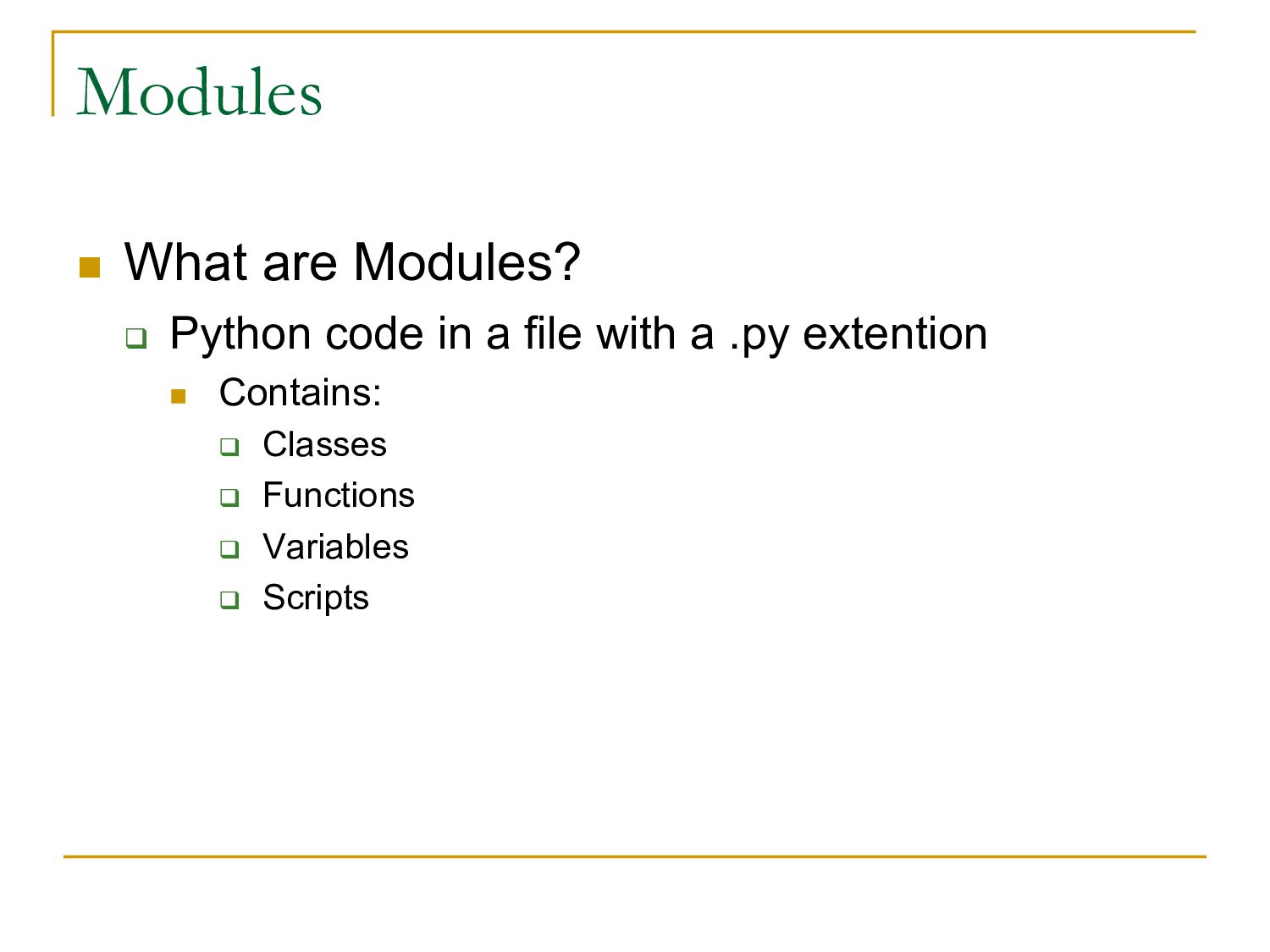
a large, unwieldy programming task into separate, smaller, more manageable subtasks or modules. Individual modules can then be cobbled together like building blocks to create a larger application.
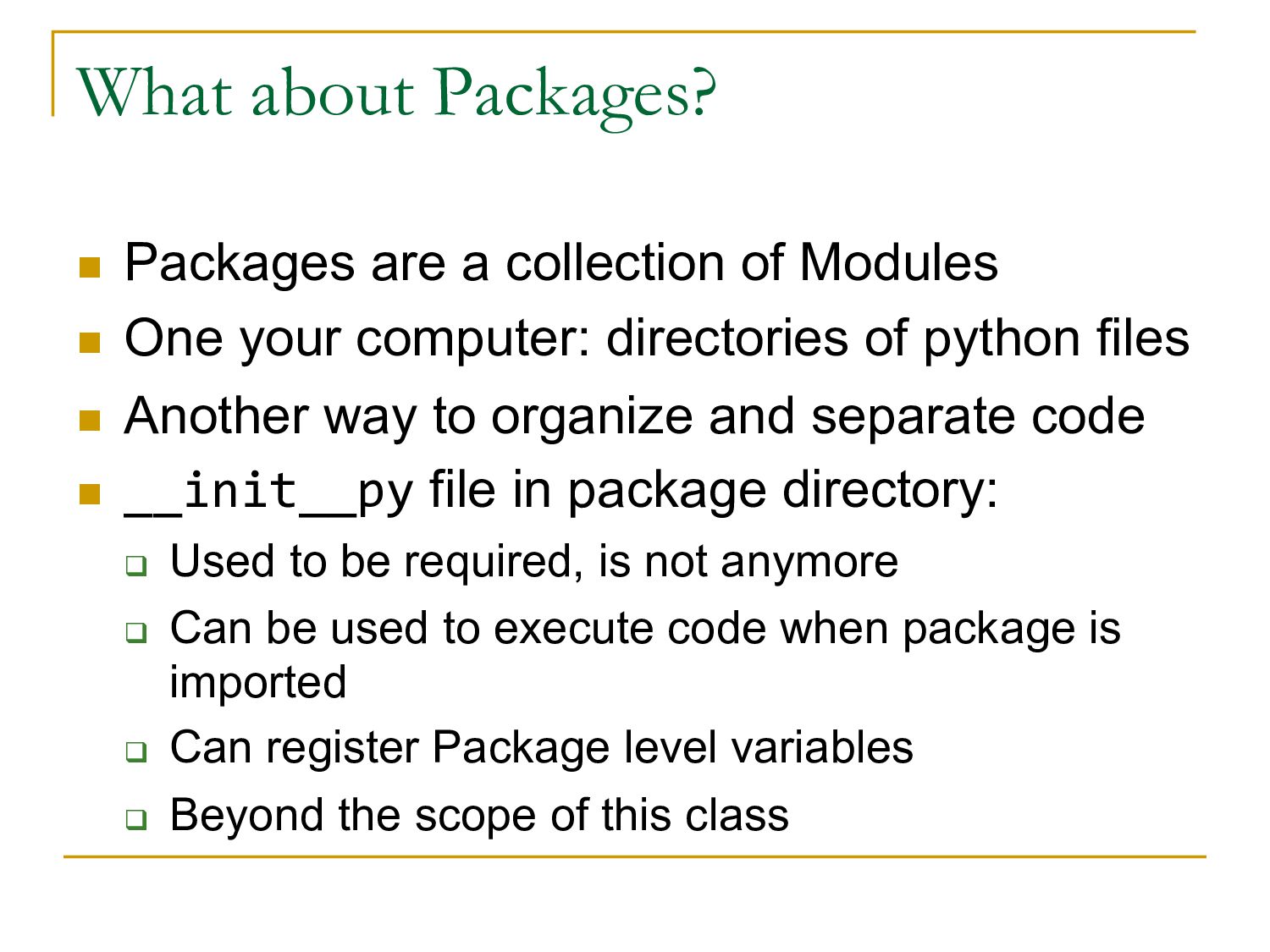
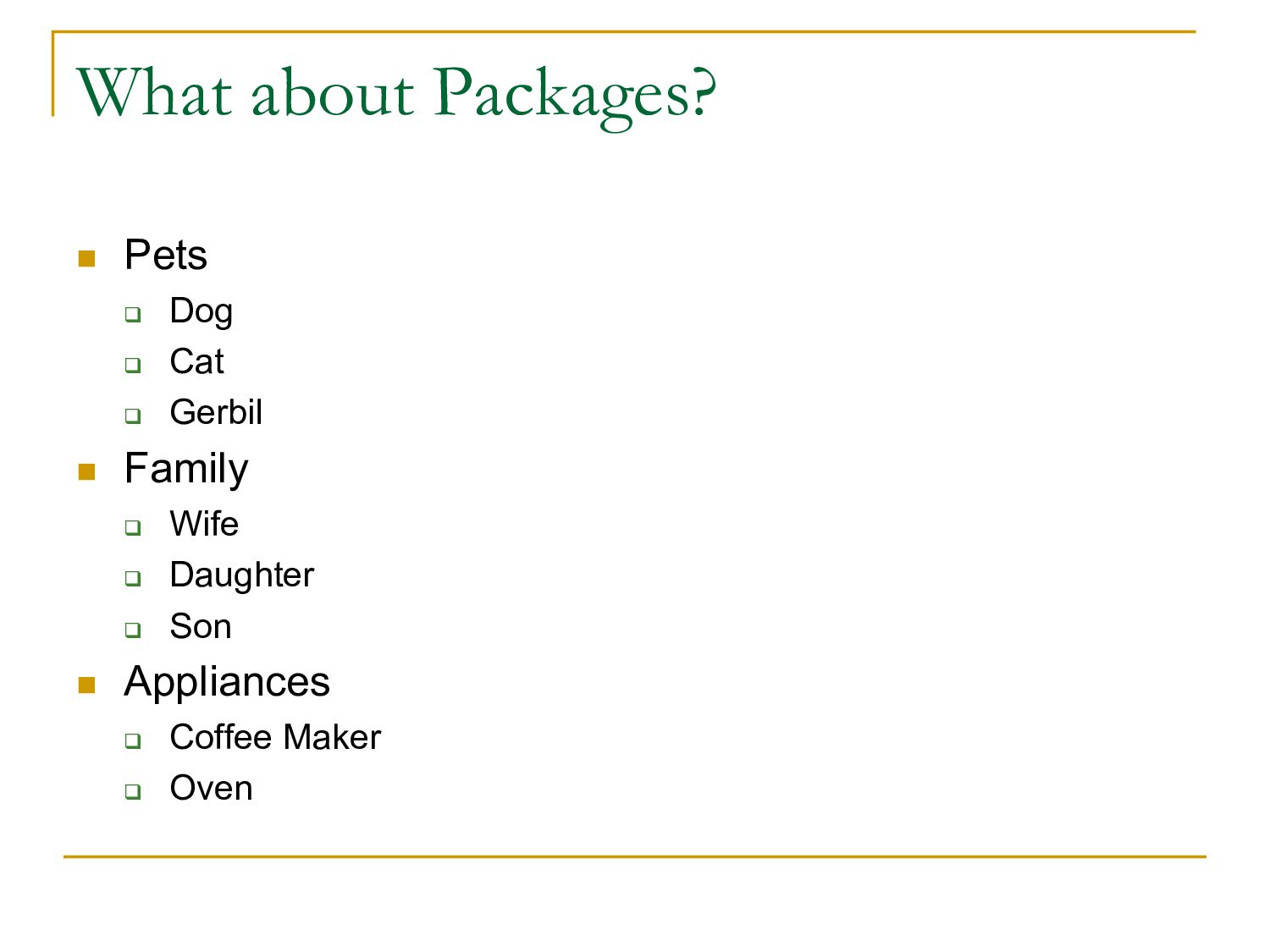
n One your computer: directories of python files n Another way to organize and separate code n __init__py file in package directory: q Used to be required, is not anymore q Can be used to execute code when package is imported q Can register Package level variables q Beyond the scope of this class
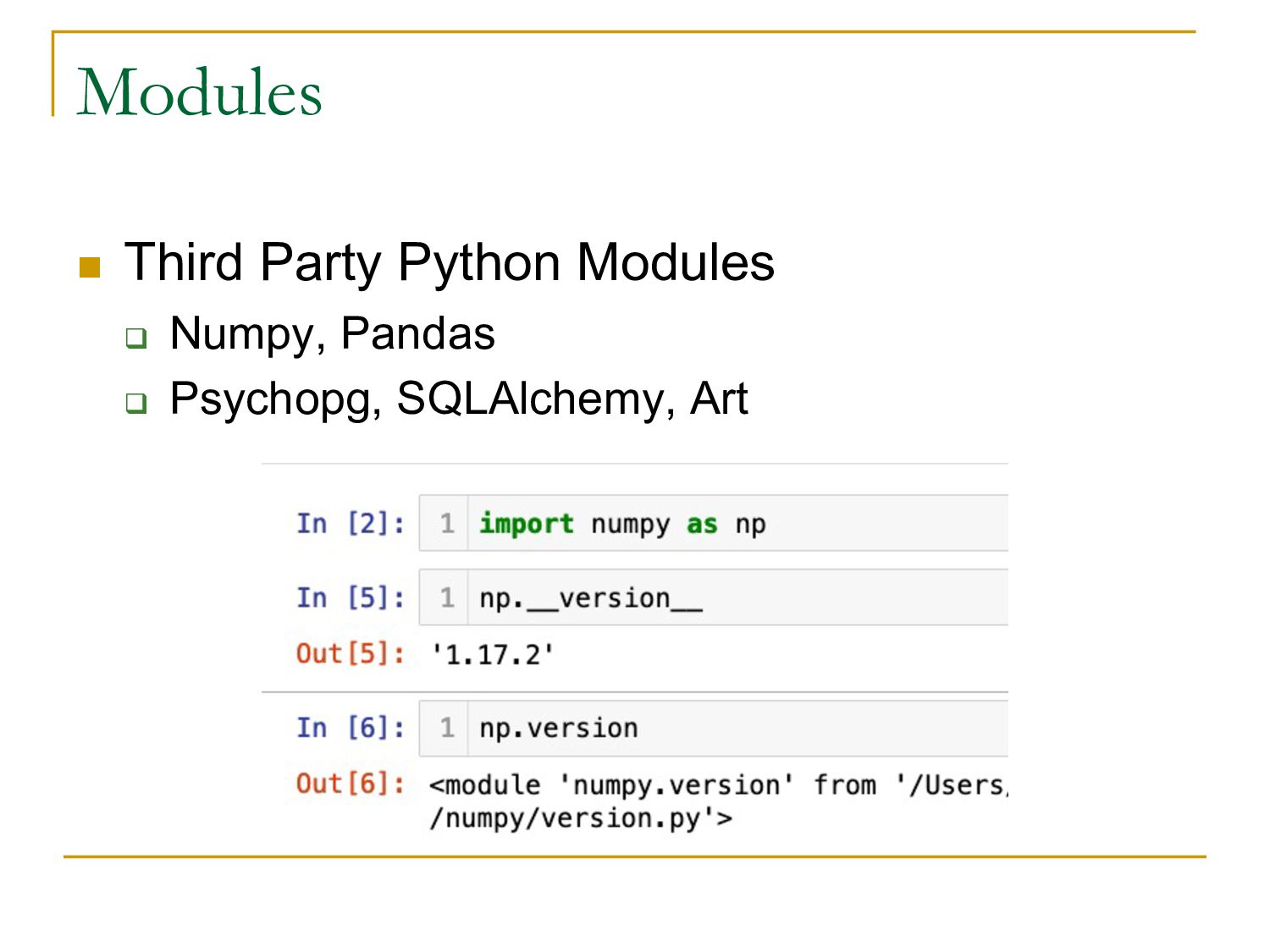
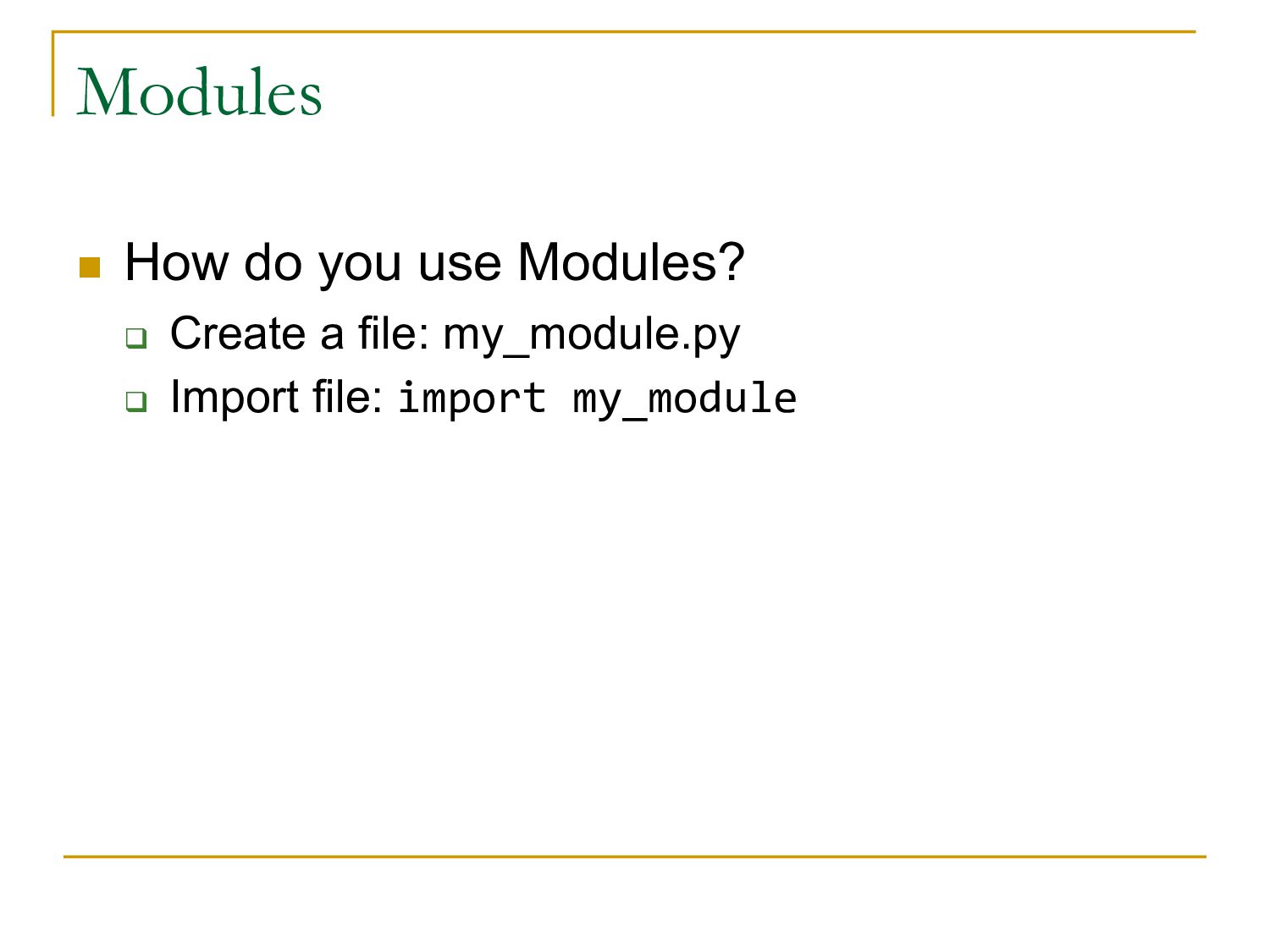
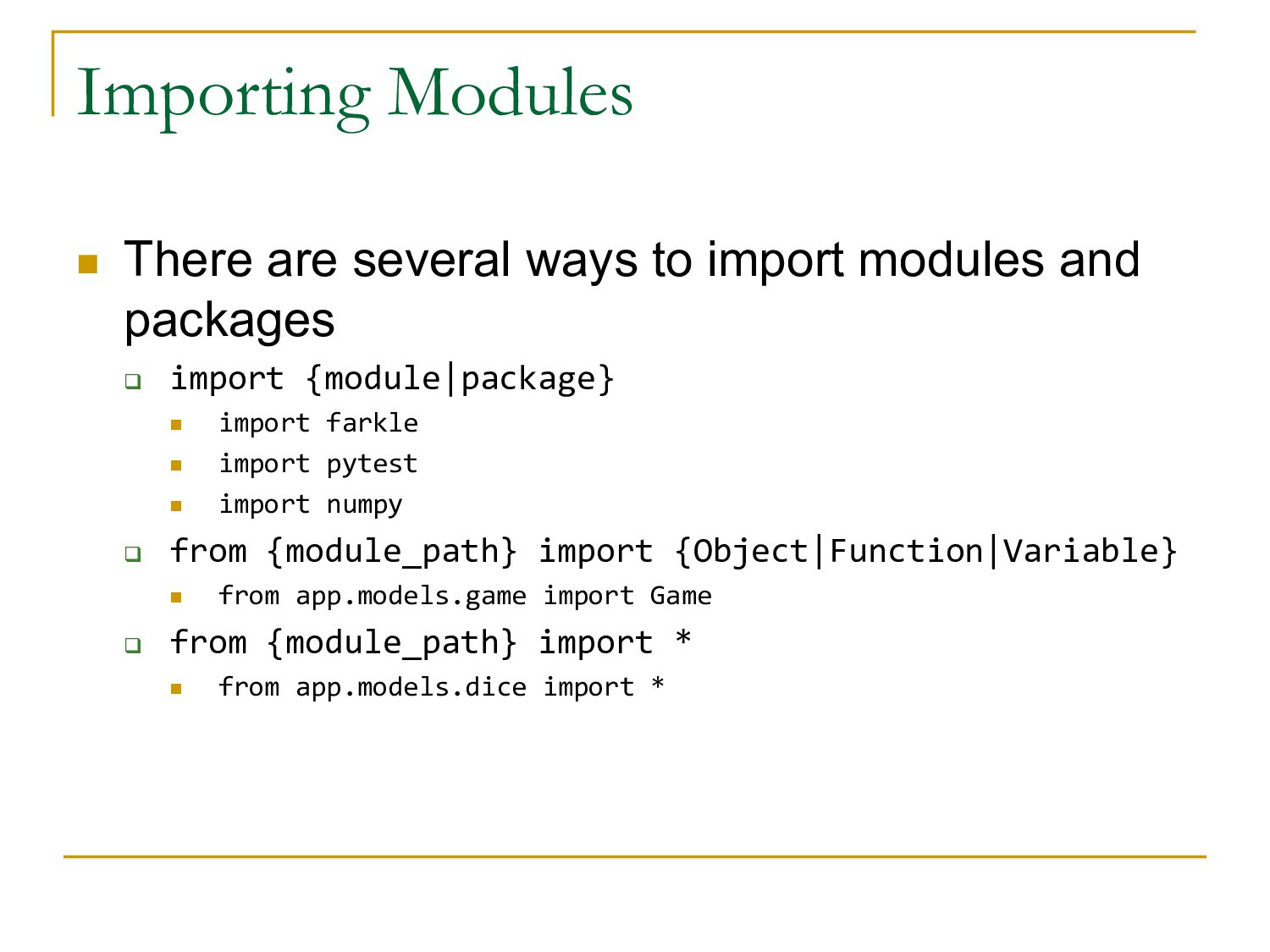
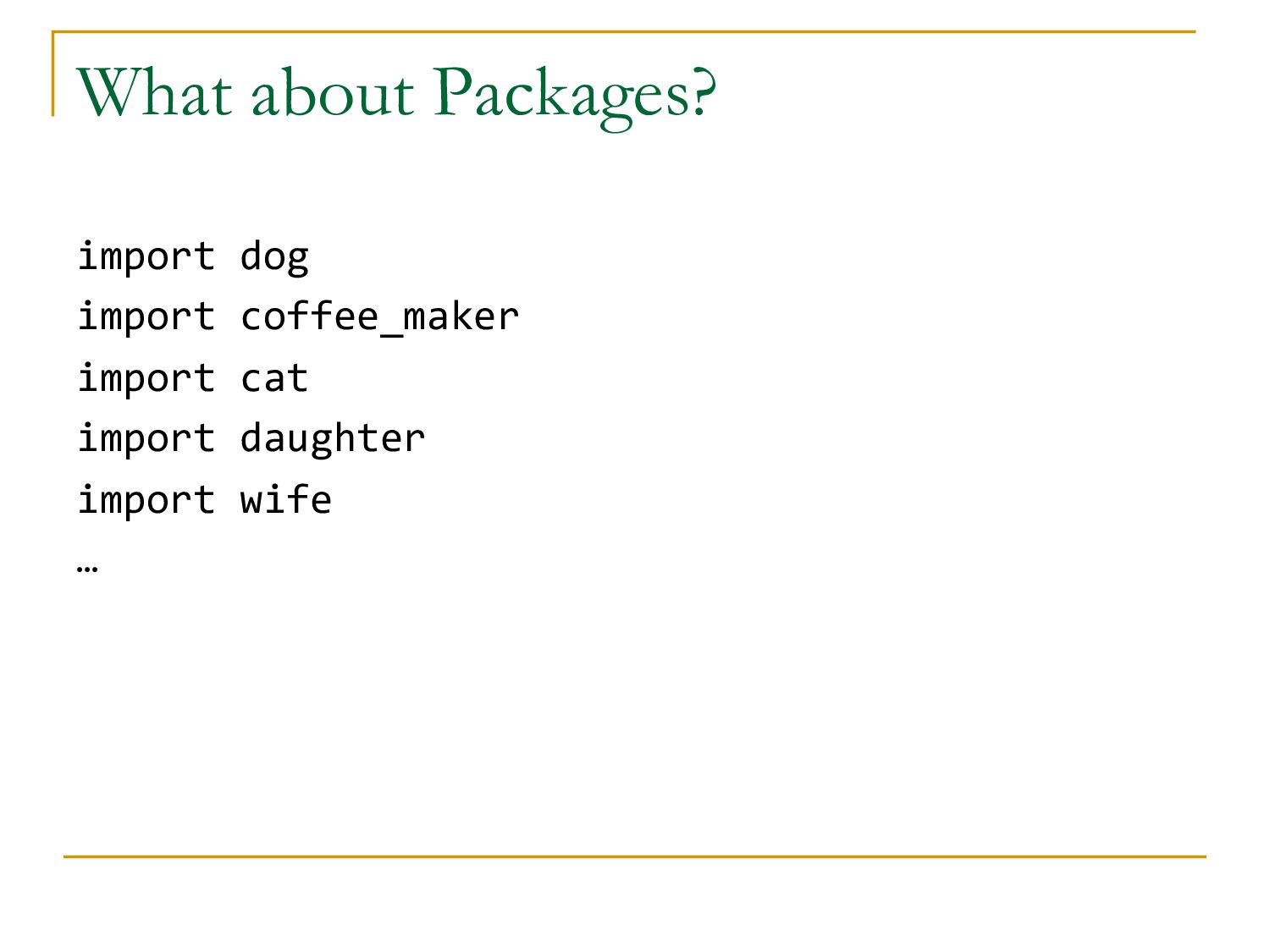
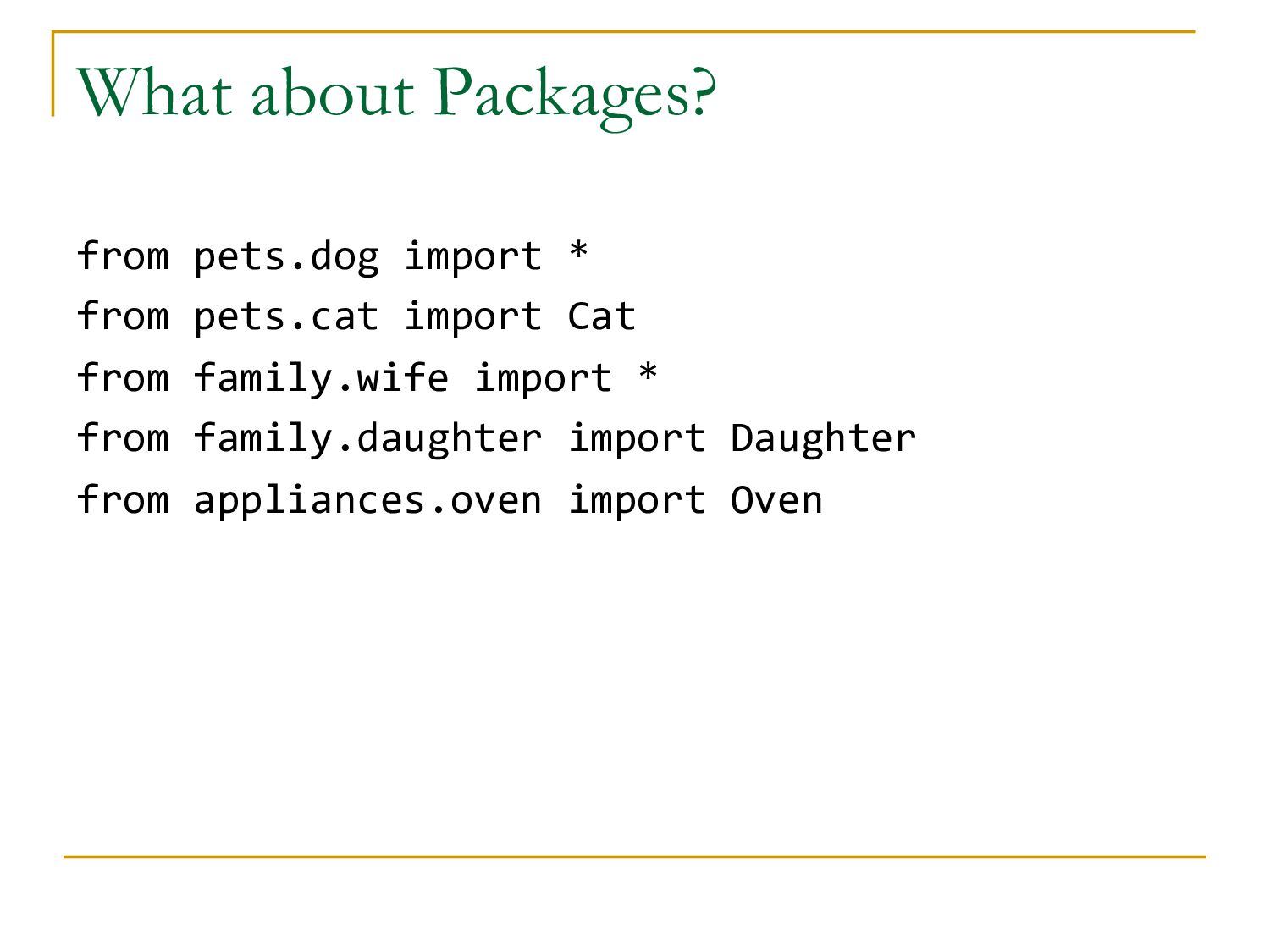
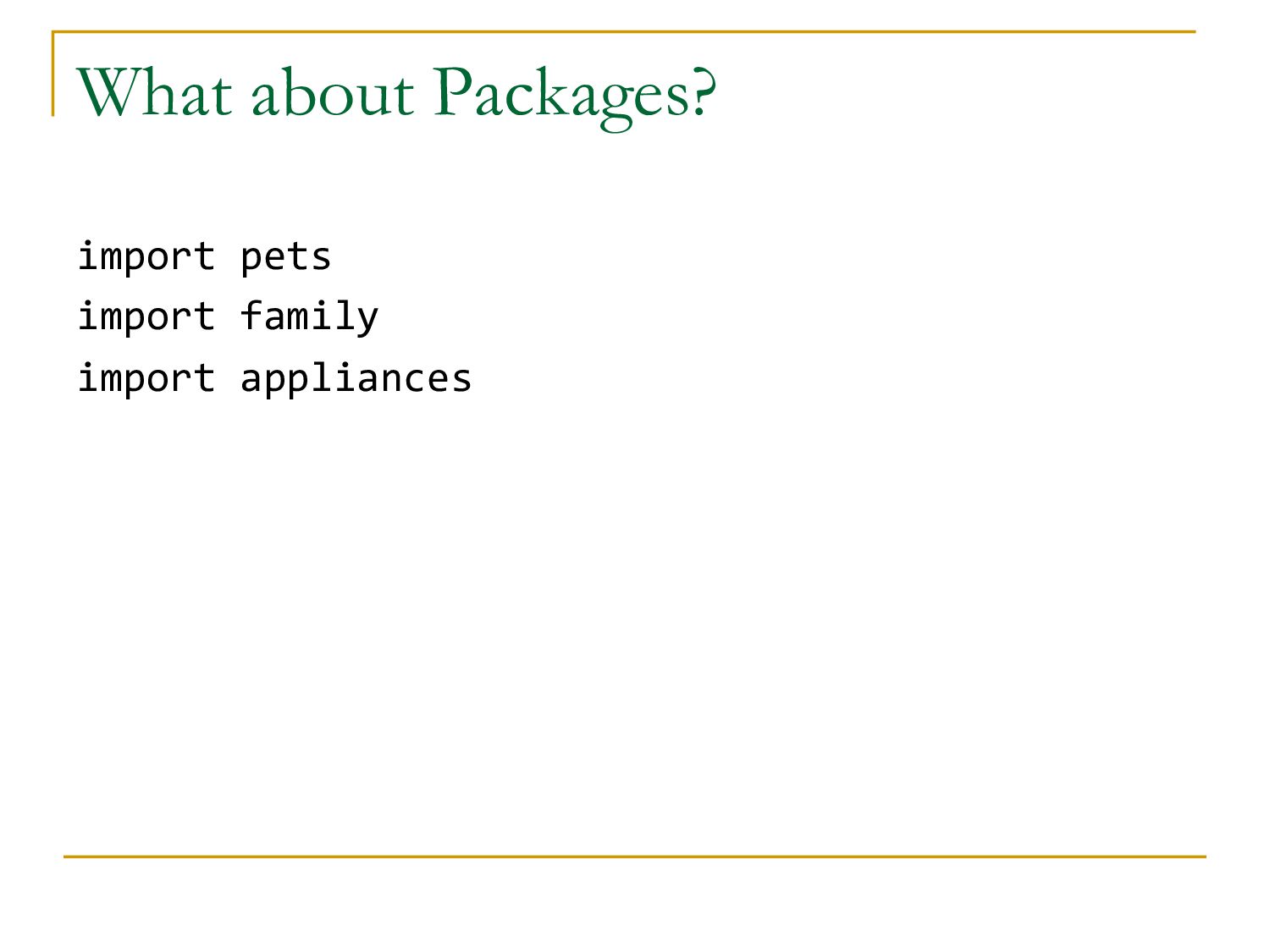
and packages q import {module|package} n import farkle n import pytest n import numpy q from {module_path} import {Object|Function|Variable} n from app.models.game import Game q from {module_path} import * n from app.models.dice import *
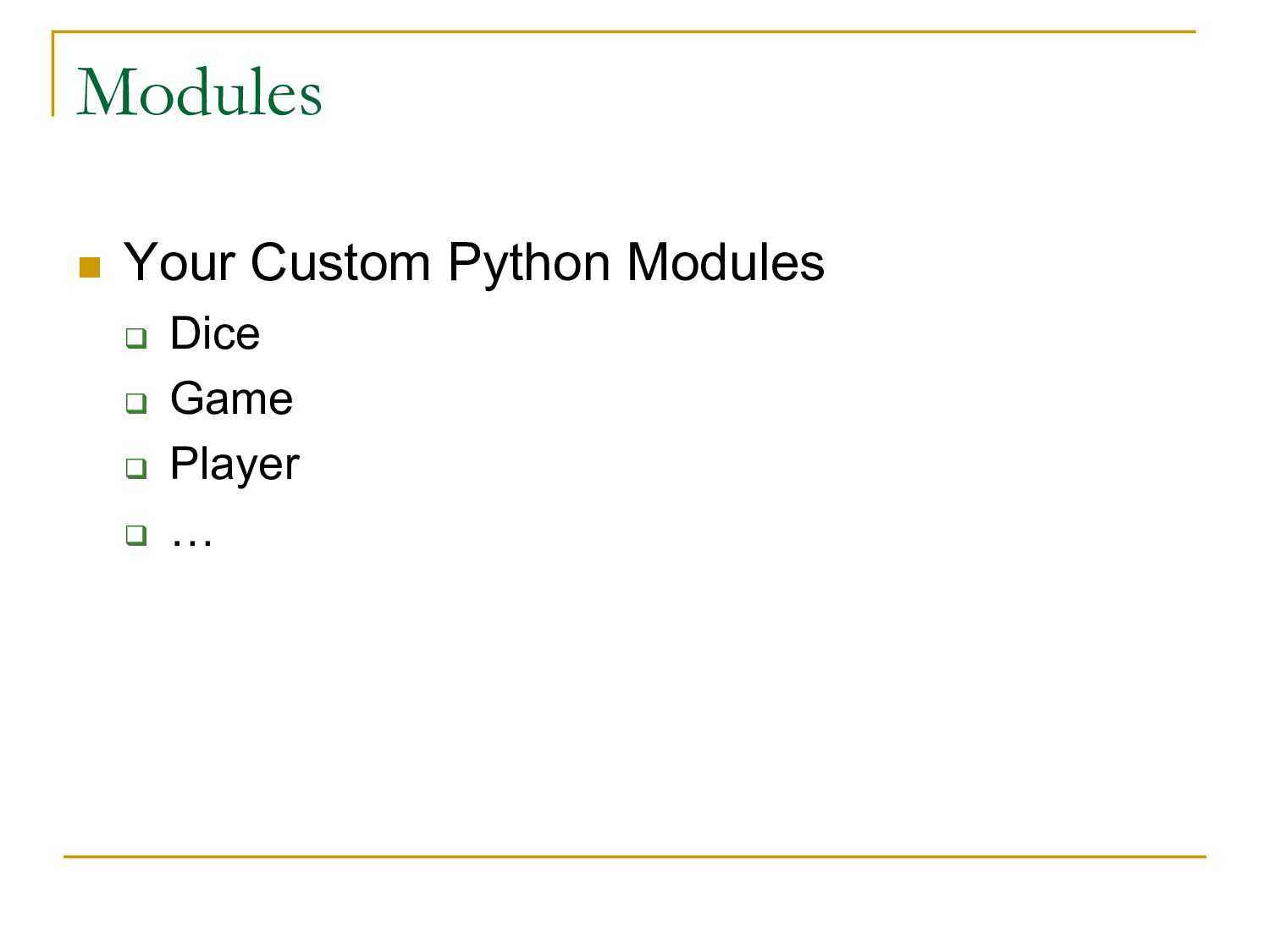
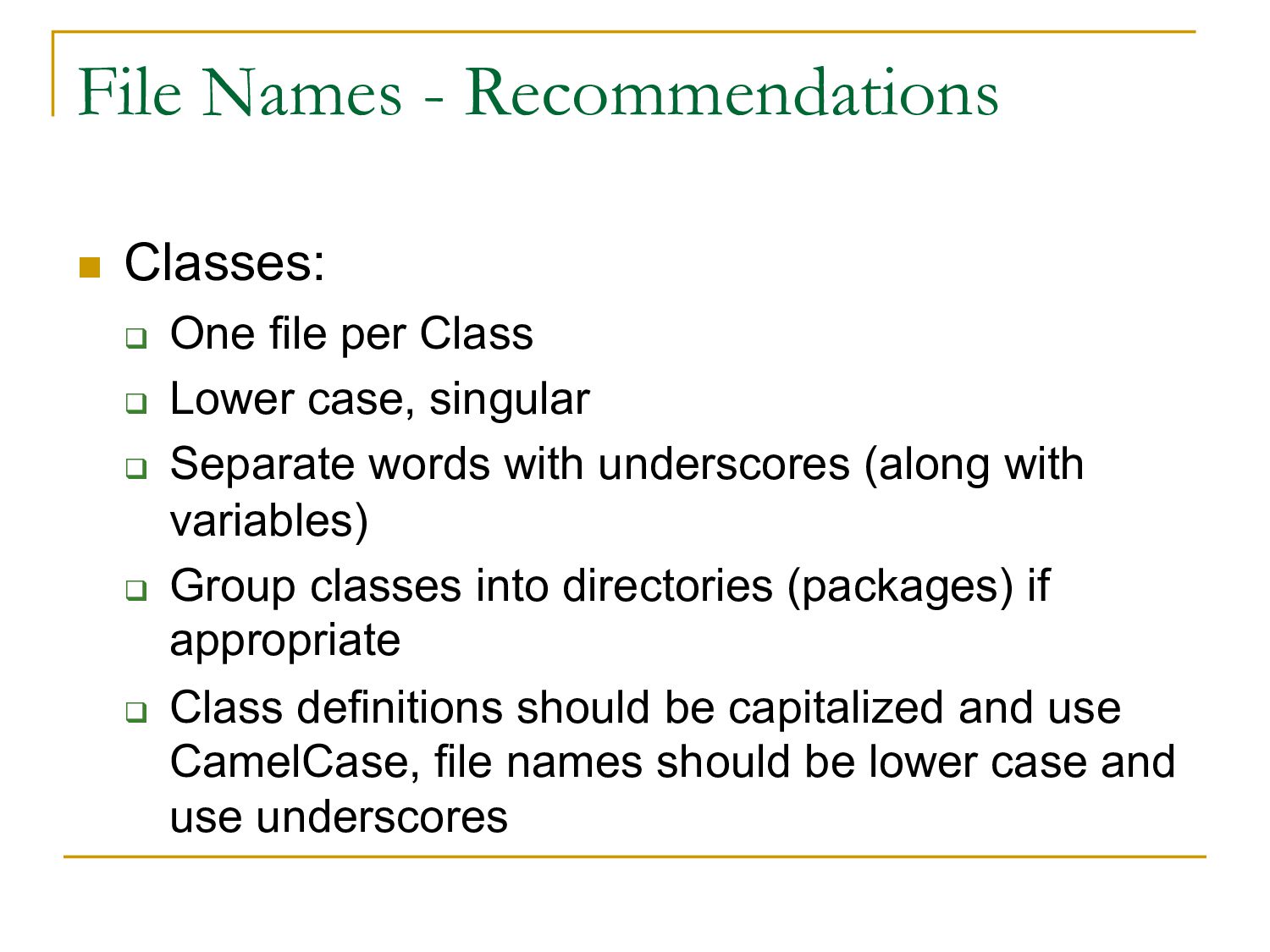
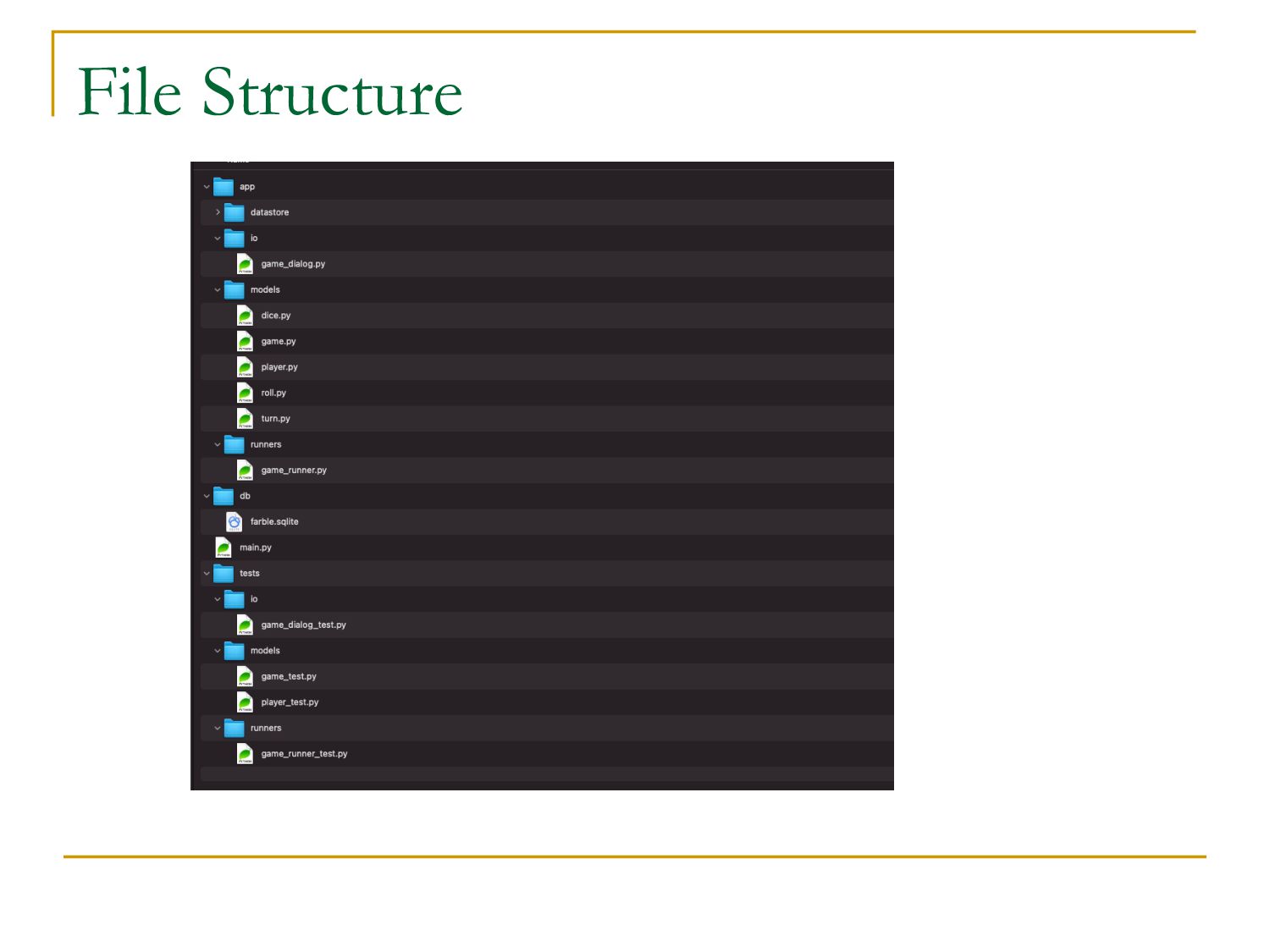
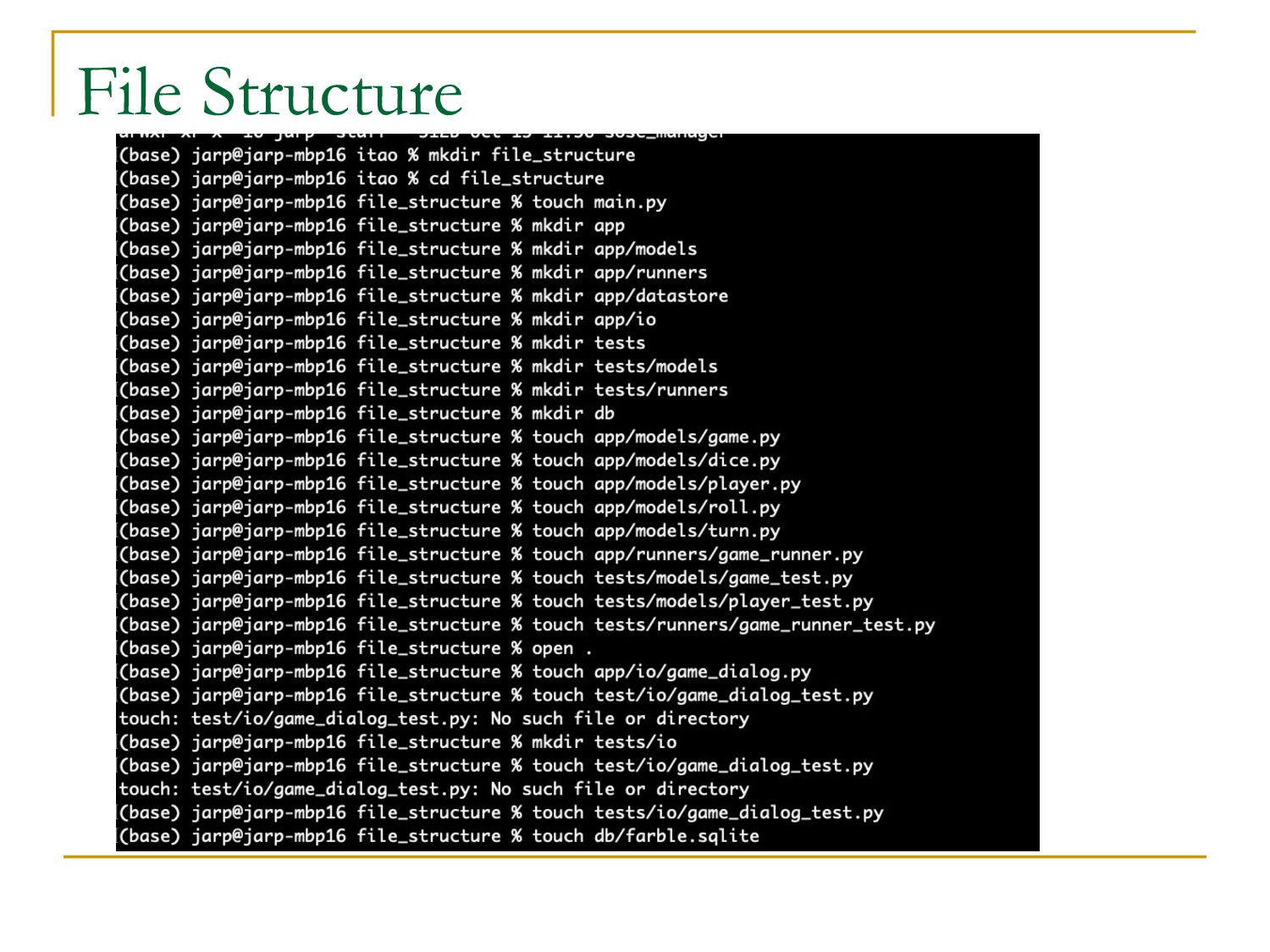
Class q Lower case, singular q Separate words with underscores (along with variables) q Group classes into directories (packages) if appropriate q Class definitions should be capitalized and use CamelCase, file names should be lower case and use underscores


 jarp
jarp
 erunyon
 orderedlist
 zastrow