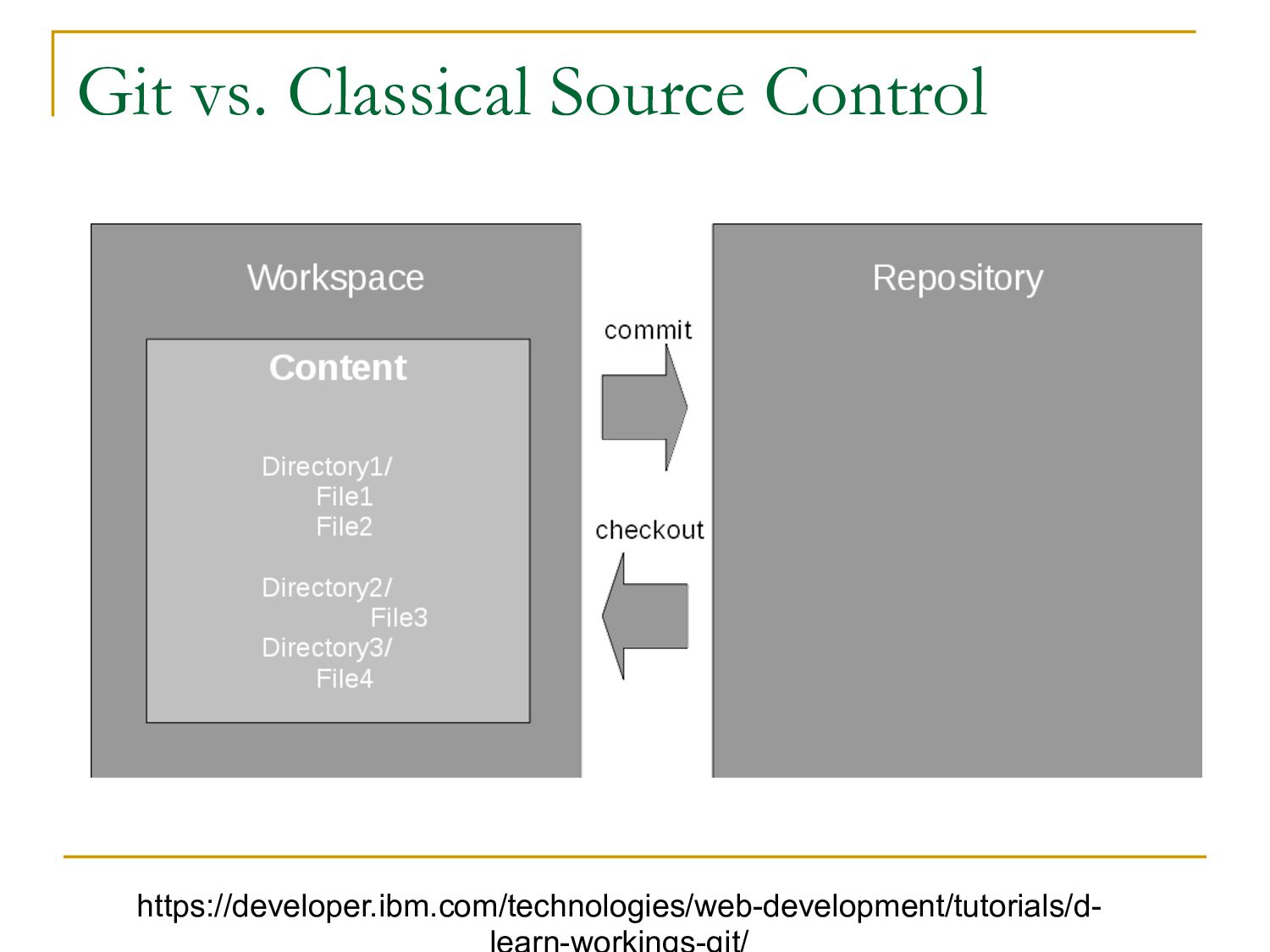
a project n Track every change everyone else makes to a project n Work on new features without breaking the current code base n Return to any point in time, at any time n Know exactly what code is running in your production environment
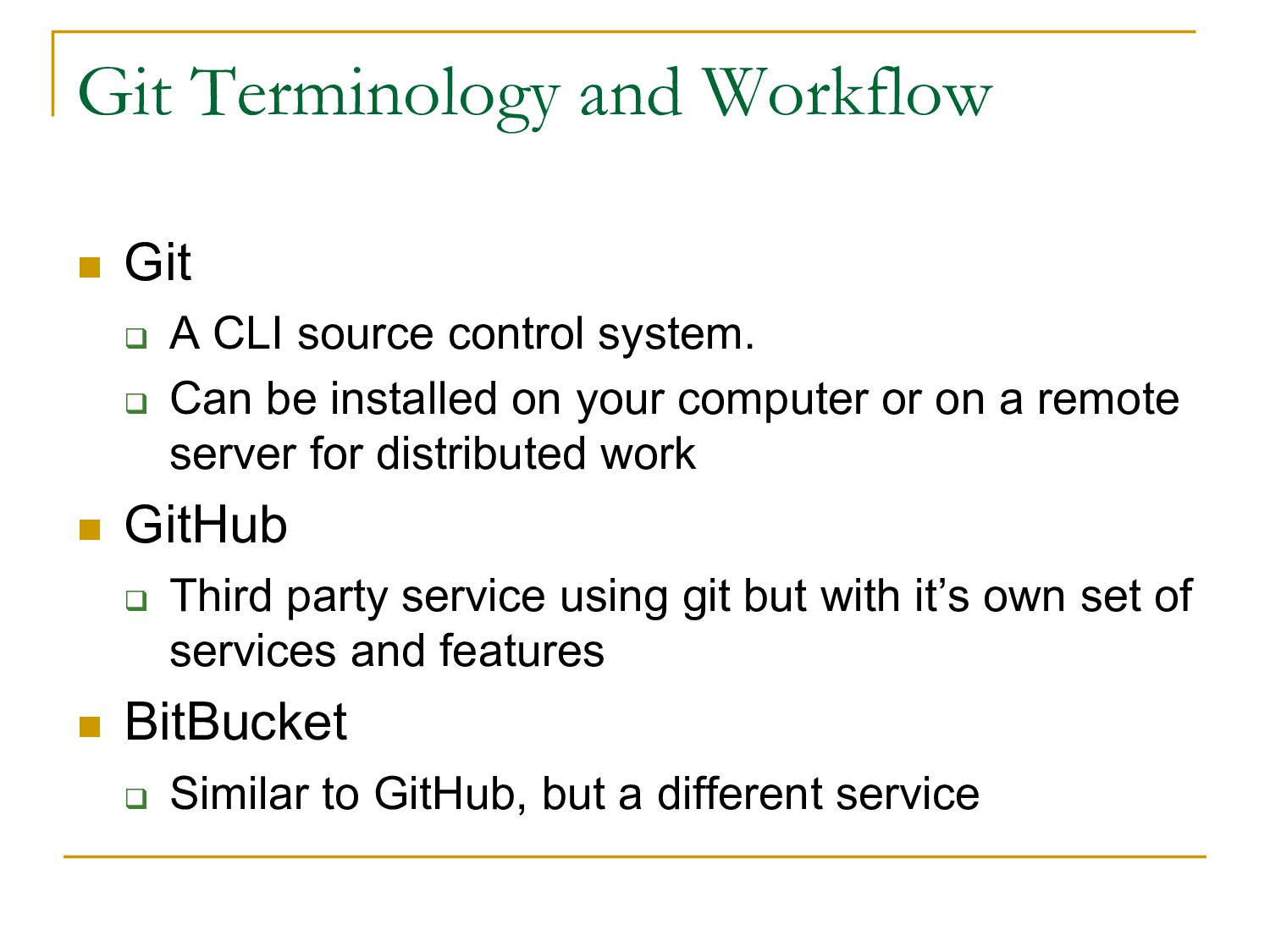
control system. q Can be installed on your computer or on a remote server for distributed work n GitHub q Third party service using git but with it’s own set of services and features n BitBucket q Similar to GitHub, but a different service
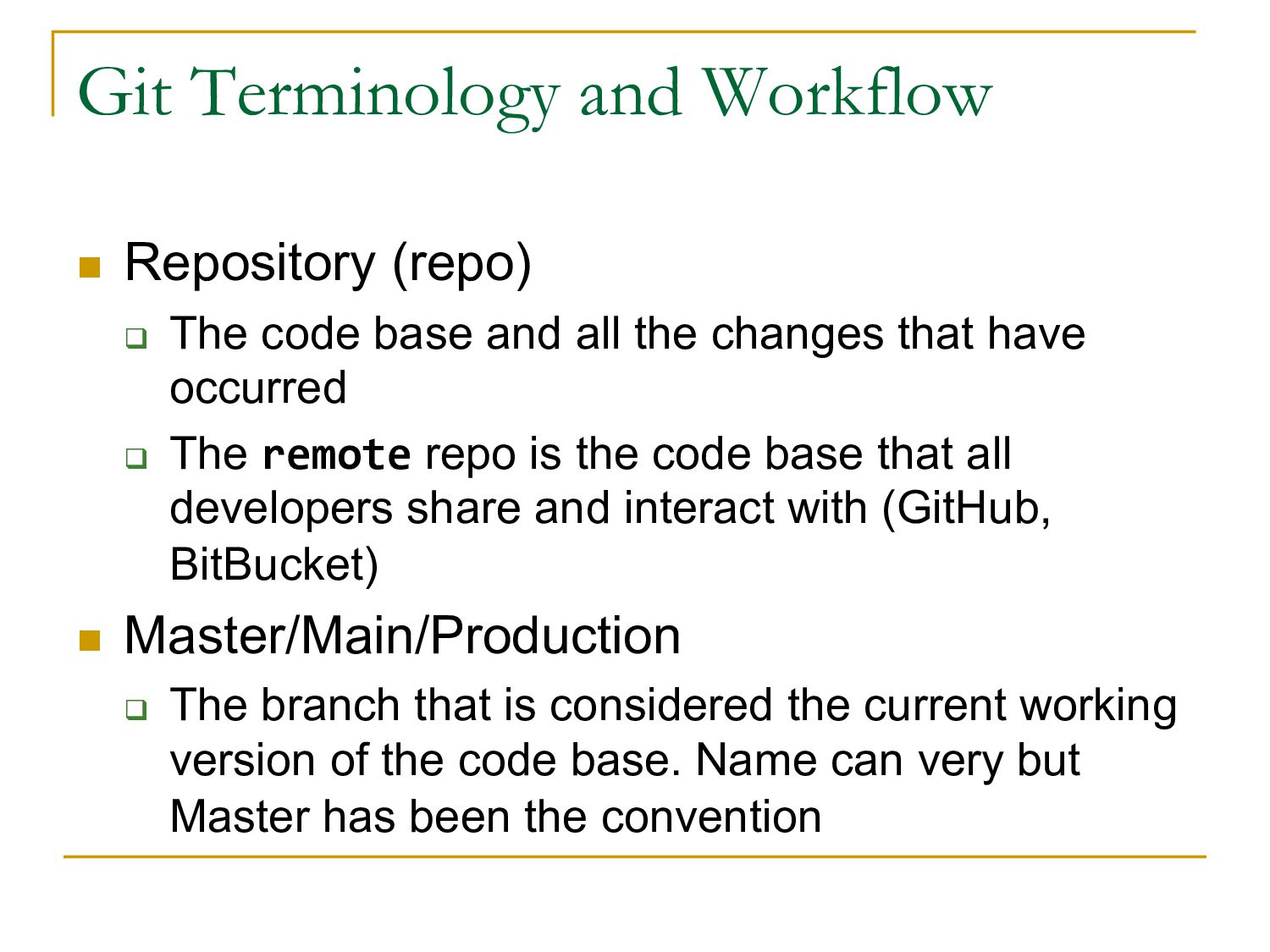
base and all the changes that have occurred q The remote repo is the code base that all developers share and interact with (GitHub, BitBucket) n Master/Main/Production q The branch that is considered the current working version of the code base. Name can very but Master has been the convention
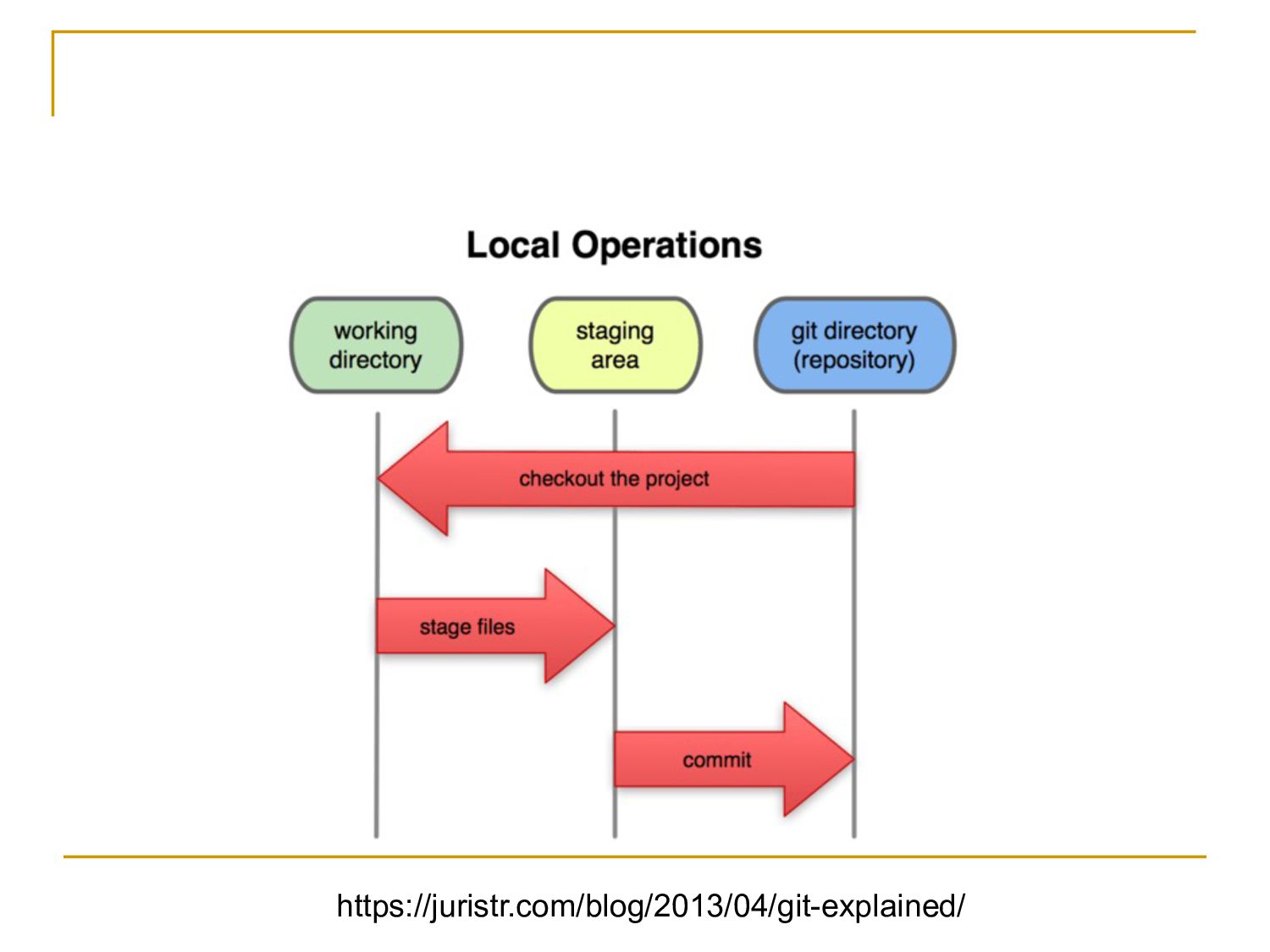
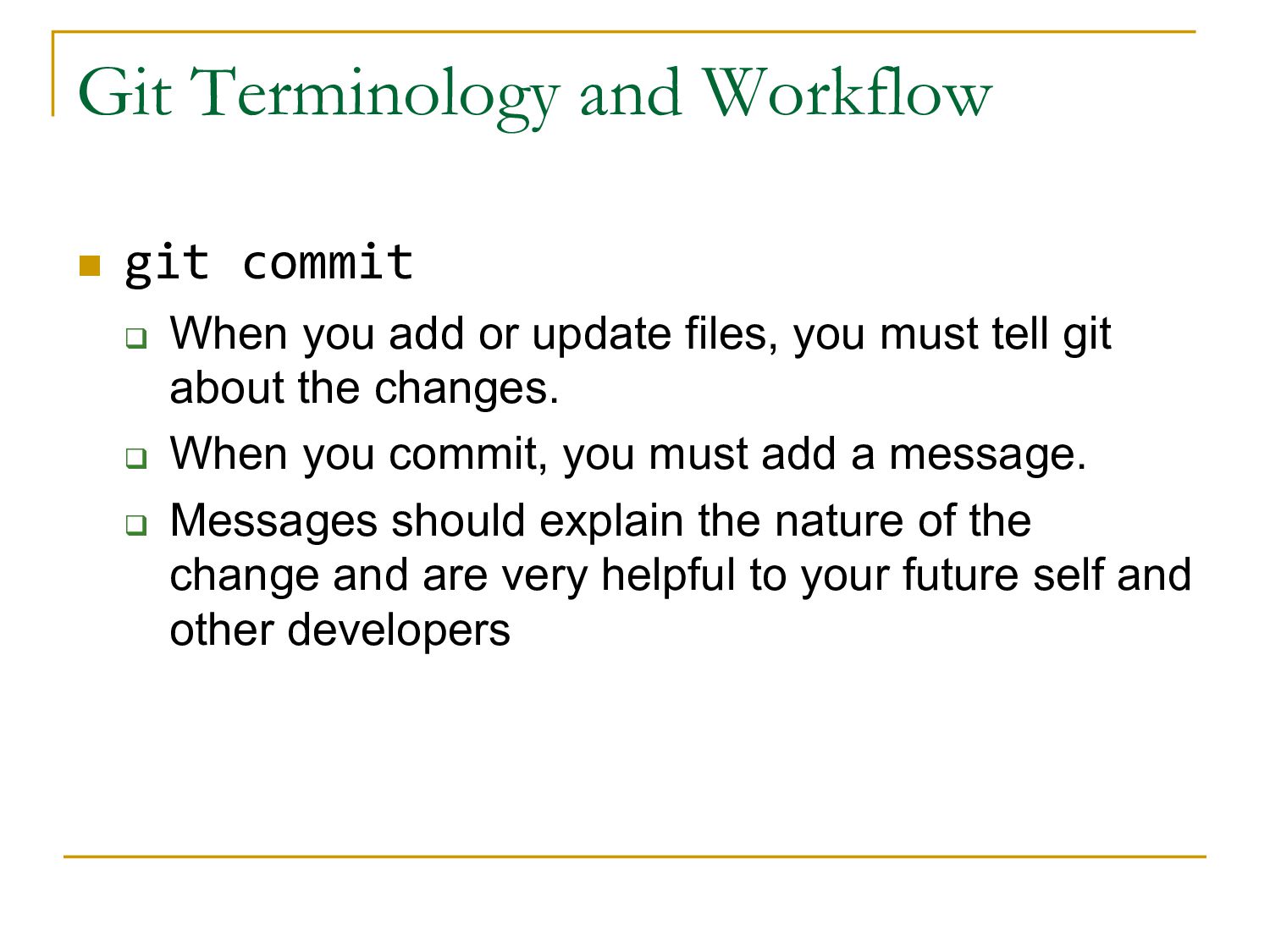
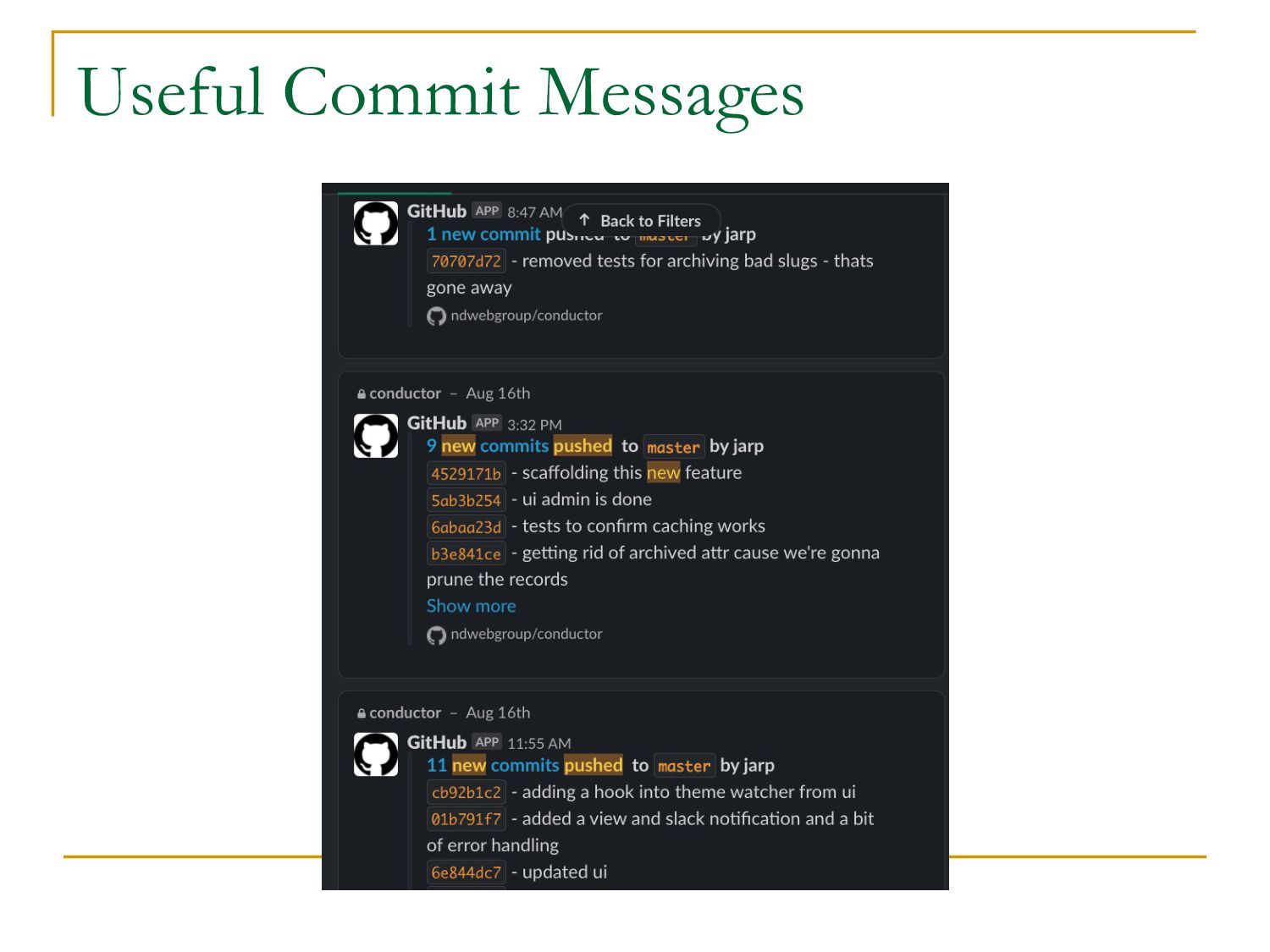
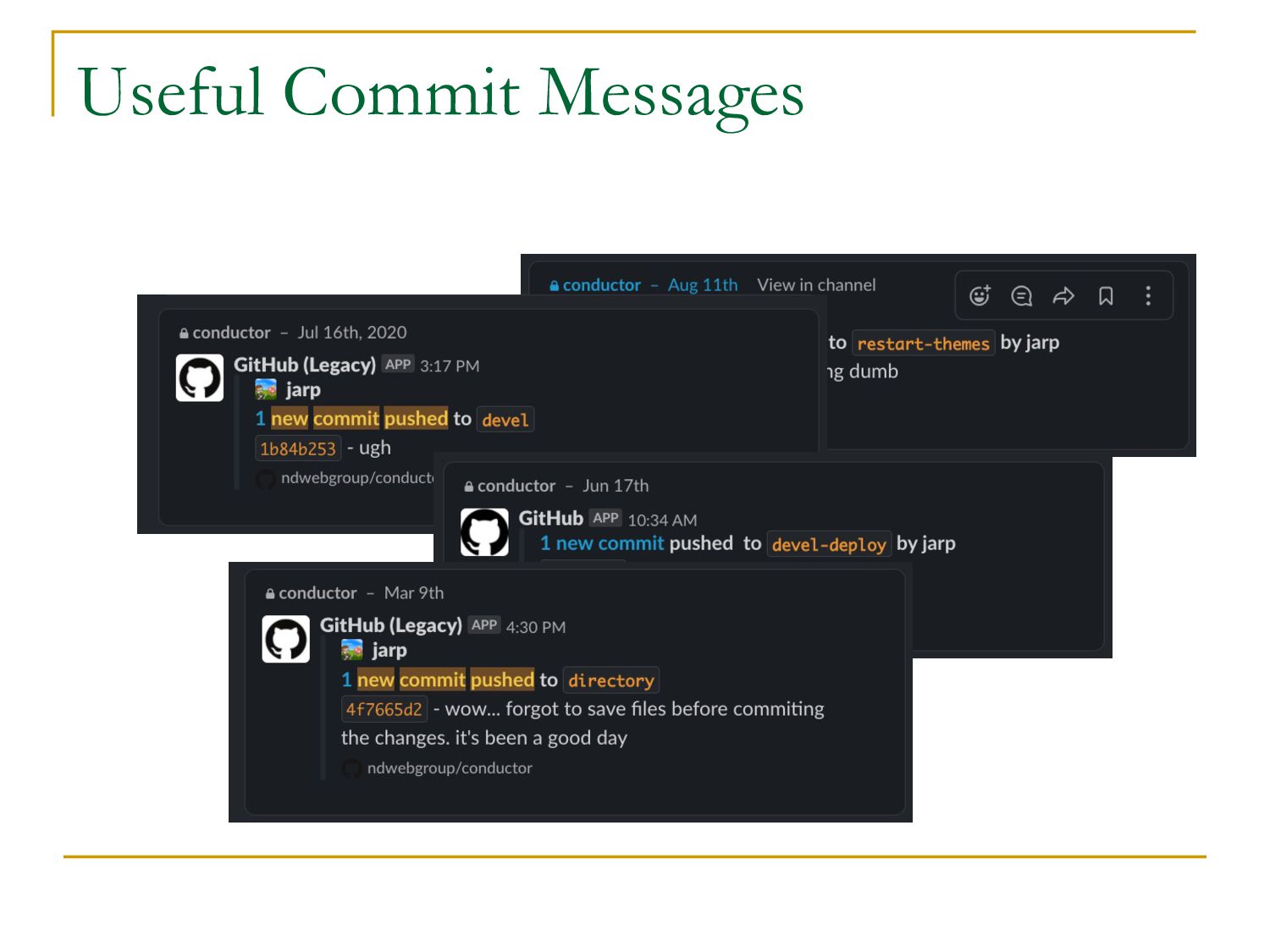
add or update files, you must tell git about the changes. q When you commit, you must add a message. q Messages should explain the nature of the change and are very helpful to your future self and other developers
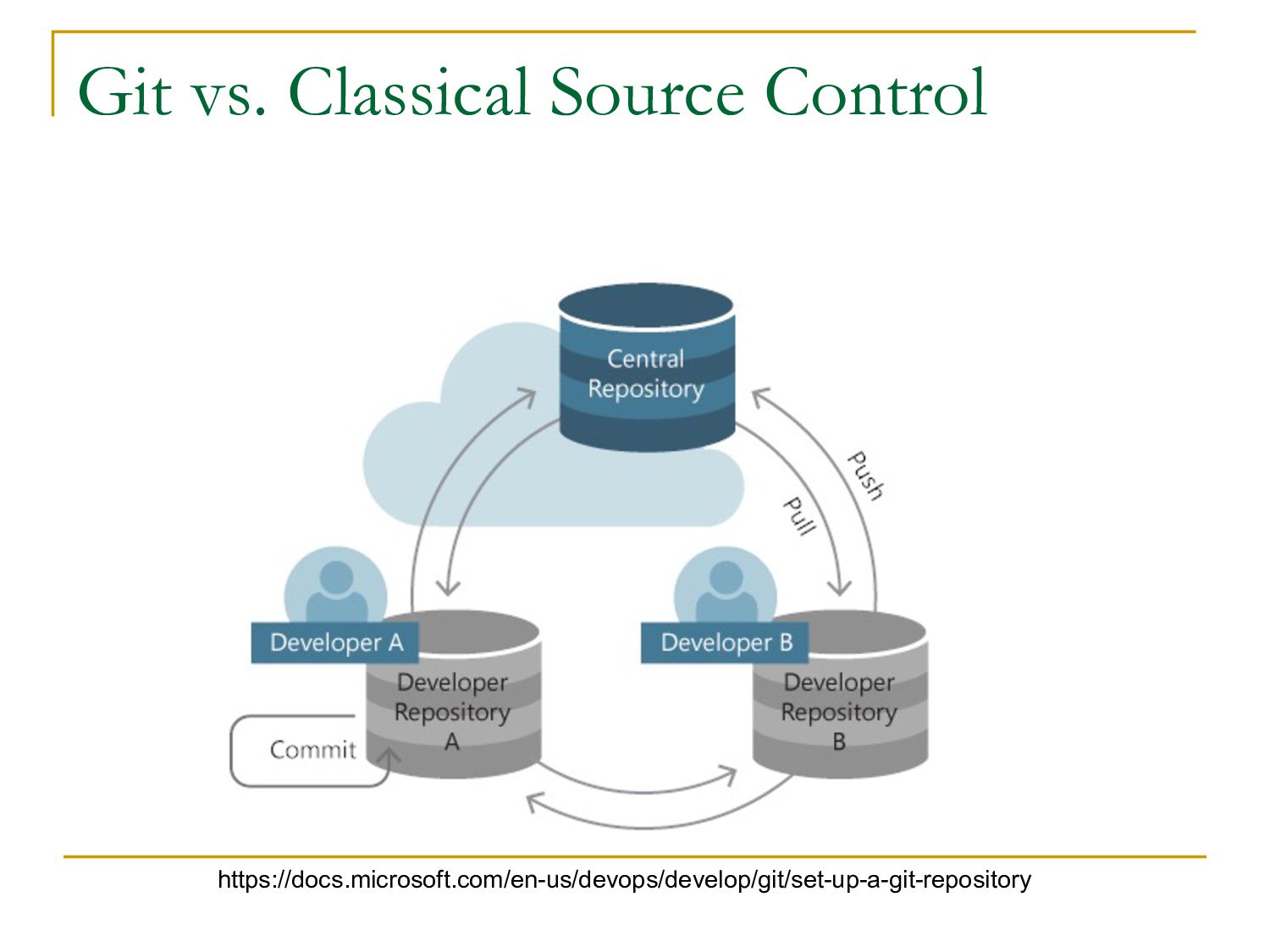
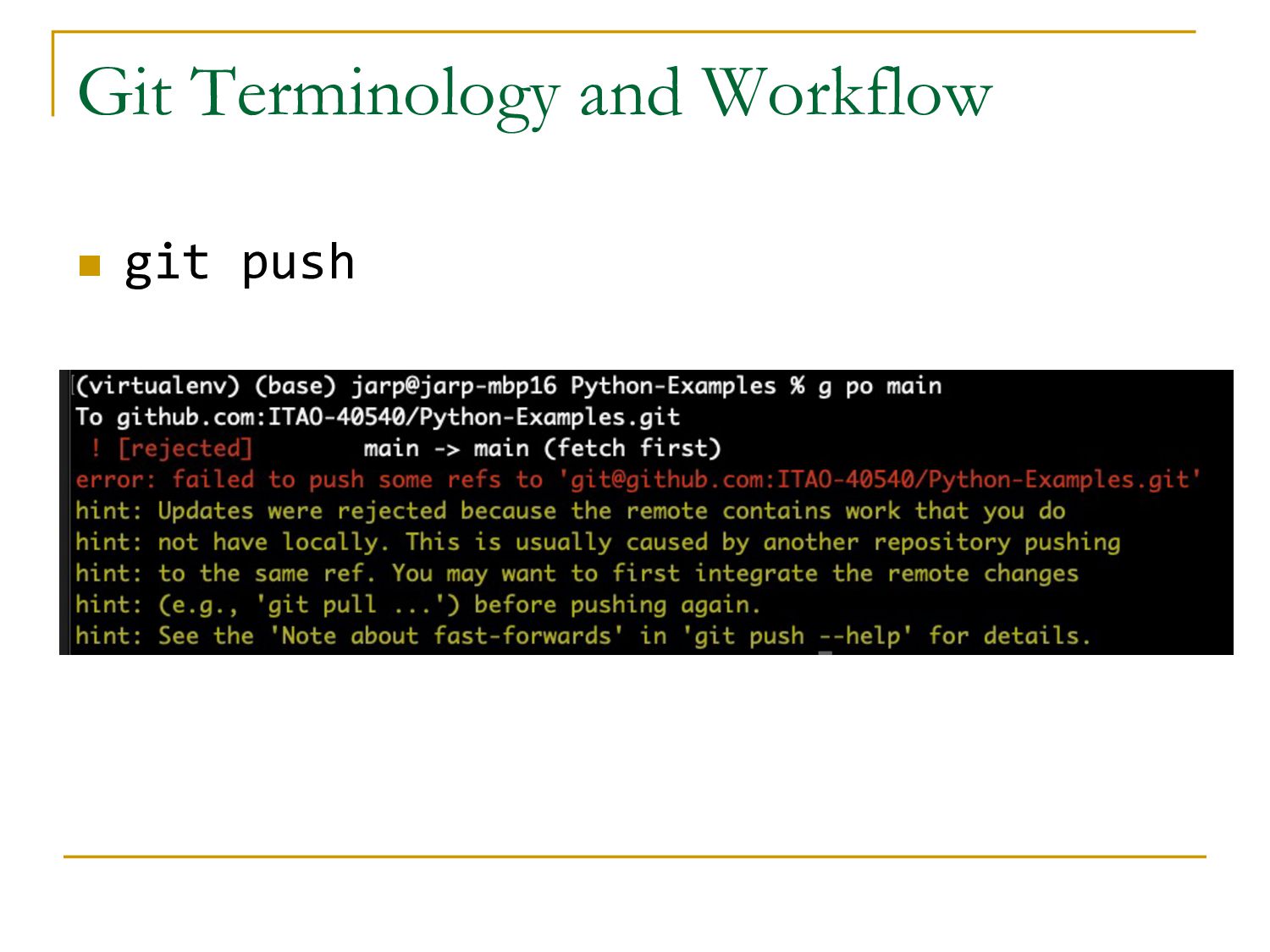
add files and commit changes, it is all done locally on your workstation. q Once you are happy with the state of the code, you push your changes to the remote repo q Once you do this, anyone else working on the code will be able to incorporate your changes
developer has pushed their changes to the remote repo, you still will not see the changes q To incorporate those changes, you pull them from the remote repo to your local repo
the time when you are working on a new feature (or even a bug fix), you will want to create a branch off the current code base q You will name the branch something that explains what you are working on n image-uploads n duplicate-username-bug q Branches live in their own universe and all the previous steps (add, commit, push, pull) will be used on the branch
work is done on the branch, you merge the changes there into the main branch q Post-merge, you are free to delete the branch q Post-merge, you push the updated main branch q Others then can pull your changes
have worked on the same file (usually the same lines of code) sometimes git cannot merge the changes and will notify you of the conflict q In cases of conflicts, git will show you the differences and you must resolve the conflict. q Then you commit and push
branches, there are also tags q Tags are labels given to the code base at a specific place in time q Unlike branches tags generally should never change q Often used to label the code base at time of deploy but can be used for any reason q Once you create a tag, you push it to the remote repo
q Like, every change… go ahead and commit it q Seriously, you can’t commit too much n Take the time to enter useful messages q There is a good chance you will go back to a commit and try to understand what you were thinking last year q So tell your future self with a good commit message q Same applys to co-workers
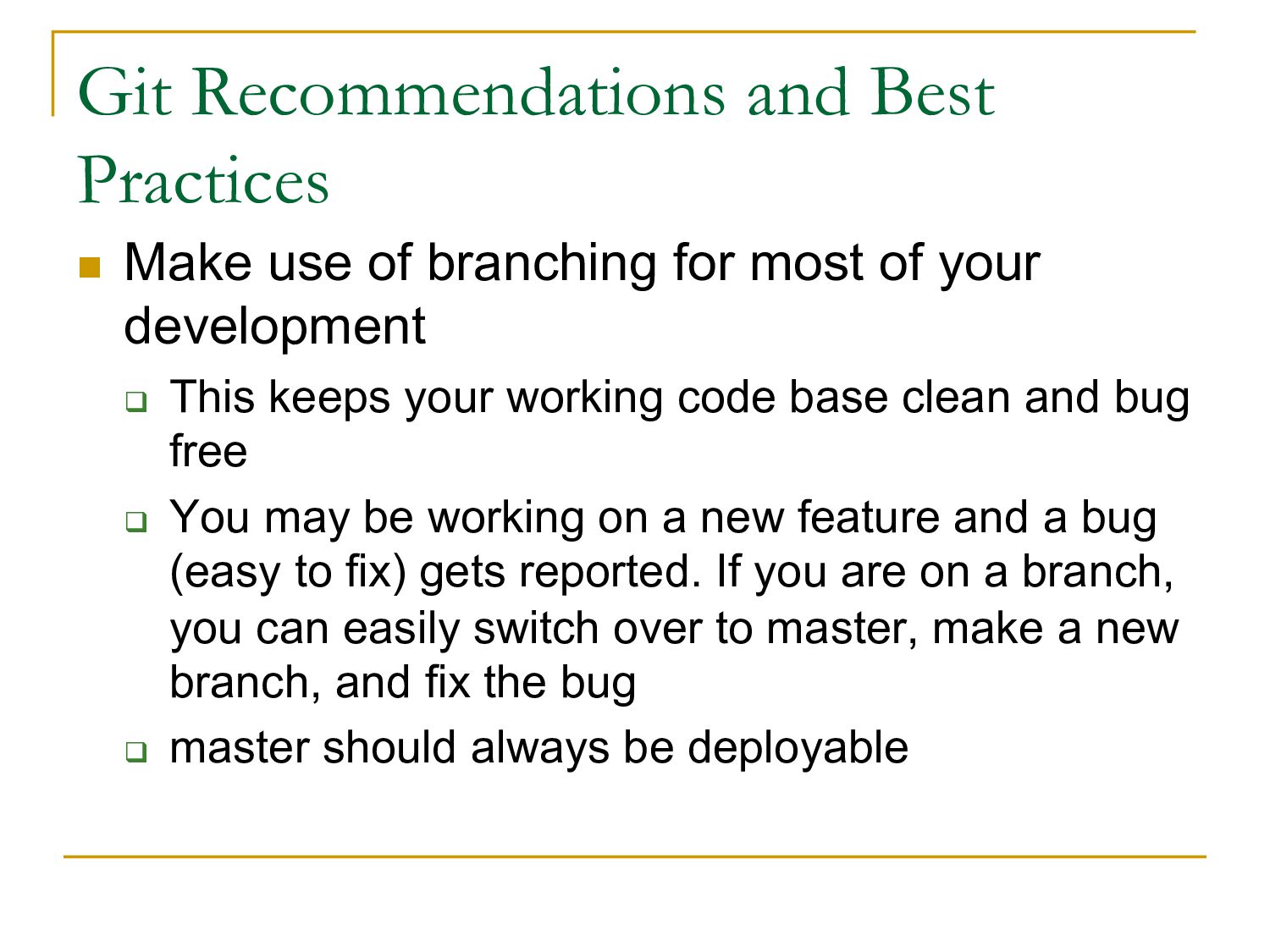
for most of your development q This keeps your working code base clean and bug free q You may be working on a new feature and a bug (easy to fix) gets reported. If you are on a branch, you can easily switch over to master, make a new branch, and fix the bug q master should always be deployable
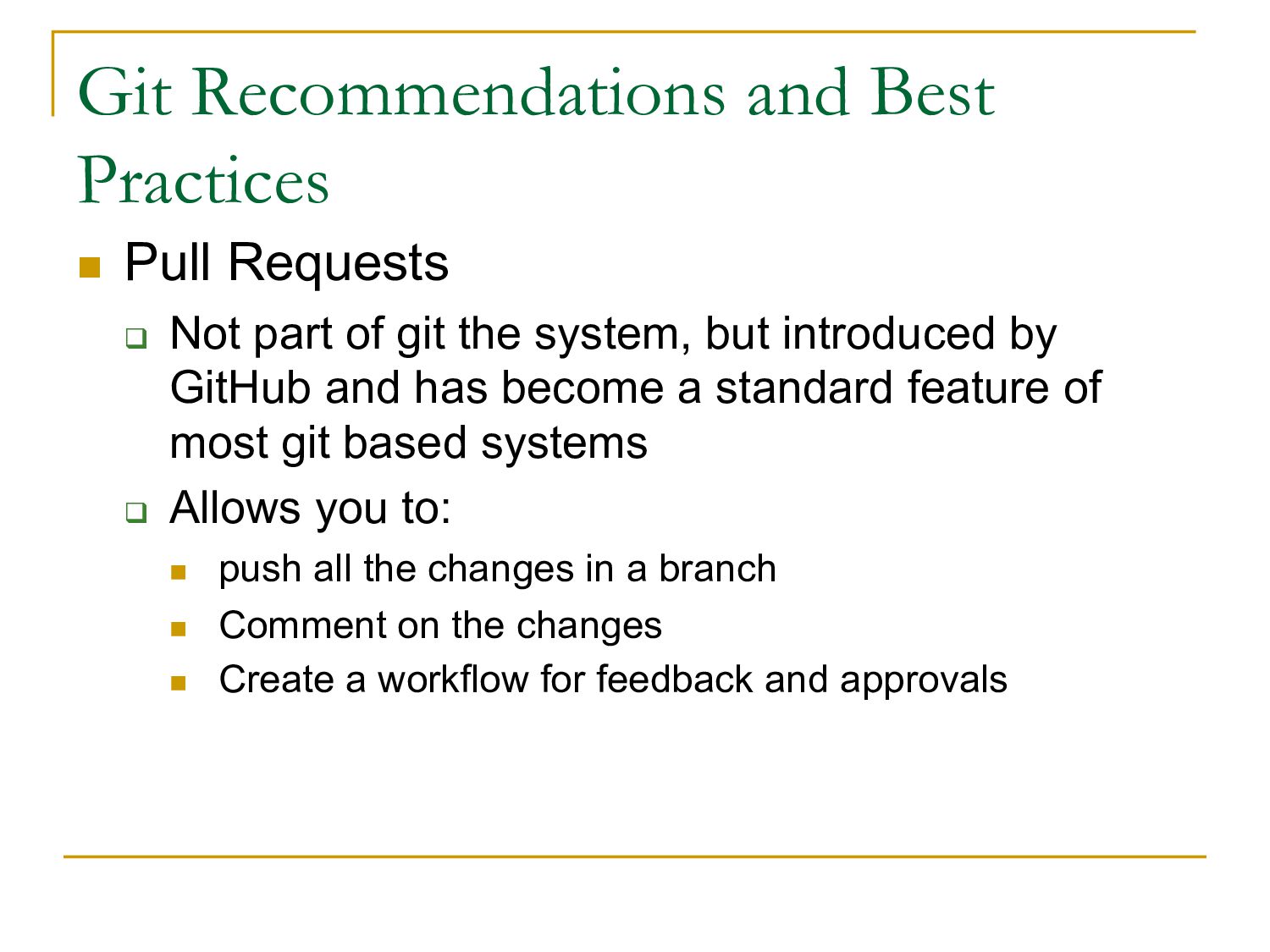
part of git the system, but introduced by GitHub and has become a standard feature of most git based systems q Allows you to: n push all the changes in a branch n Comment on the changes n Create a workflow for feedback and approvals
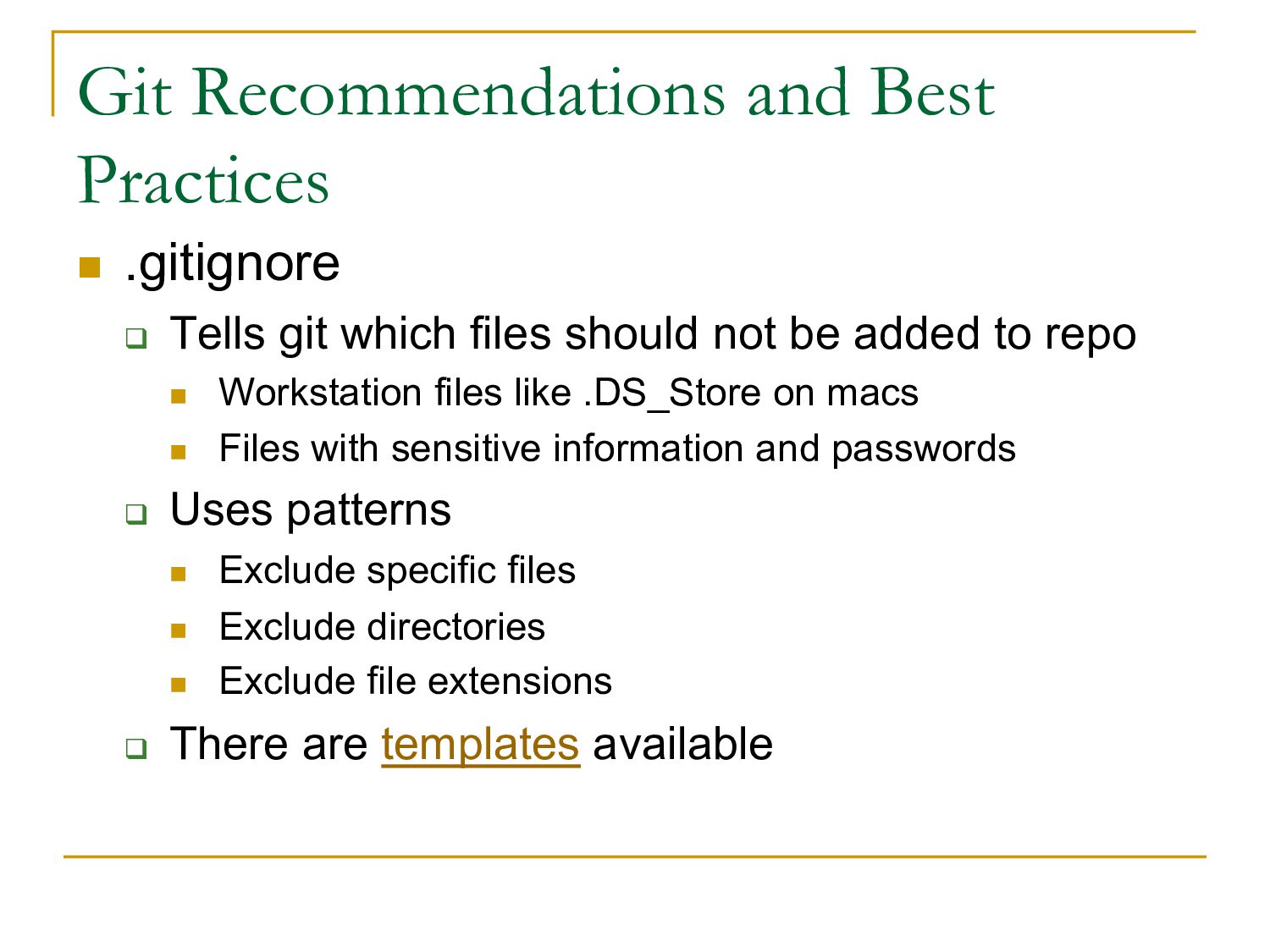
which files should not be added to repo n Workstation files like .DS_Store on macs n Files with sensitive information and passwords q Uses patterns n Exclude specific files n Exclude directories n Exclude file extensions q There are templates available
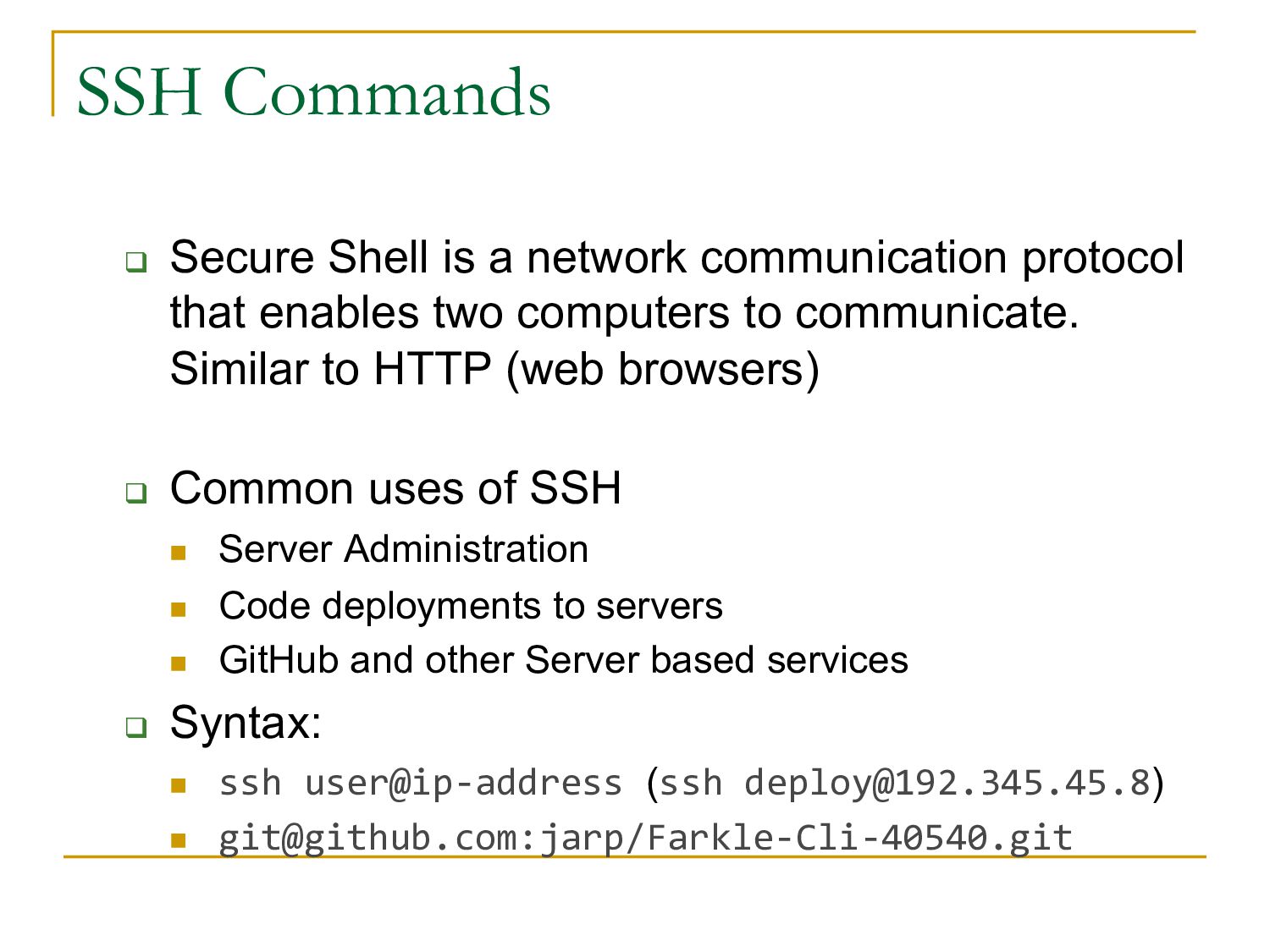
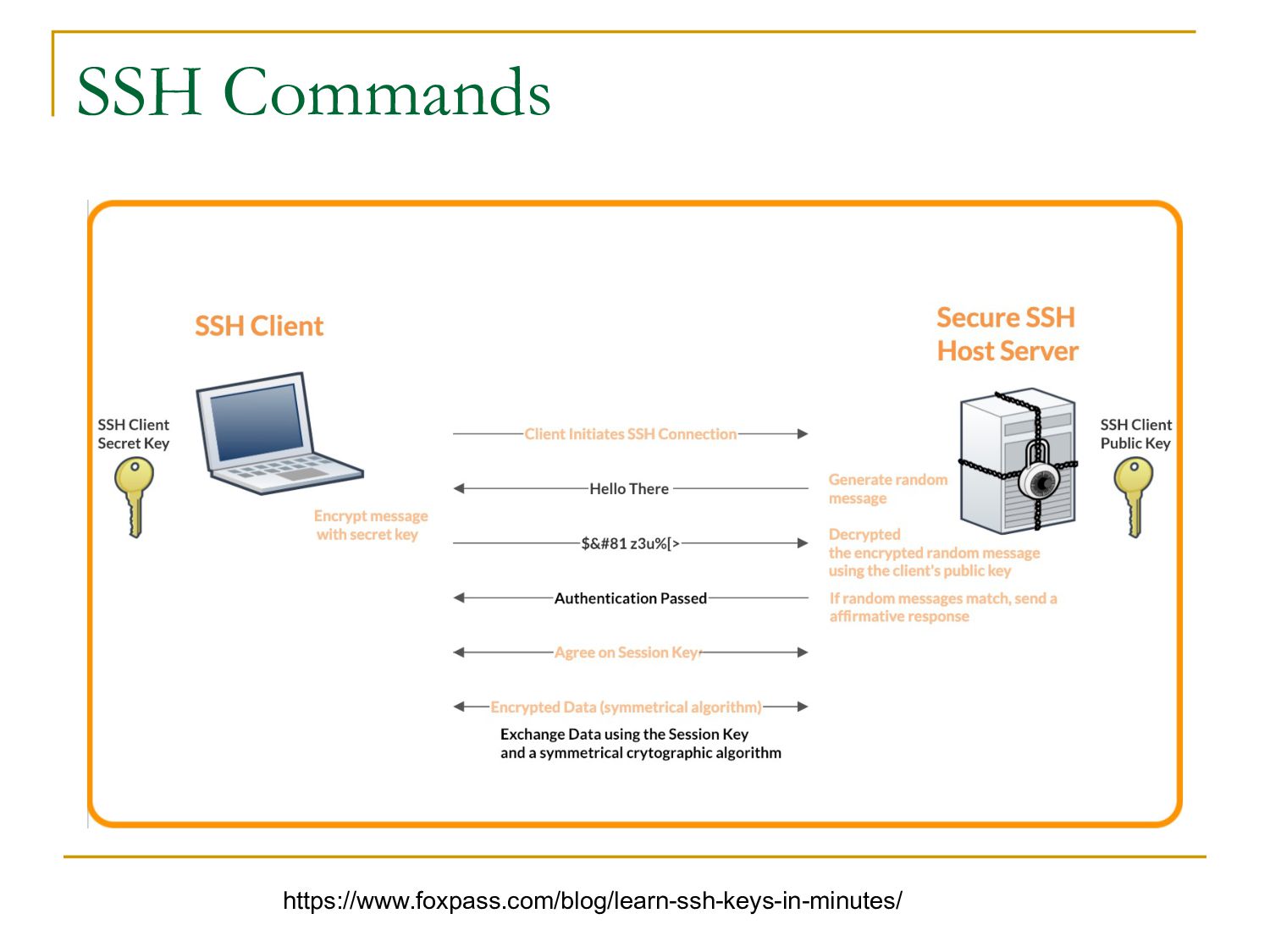
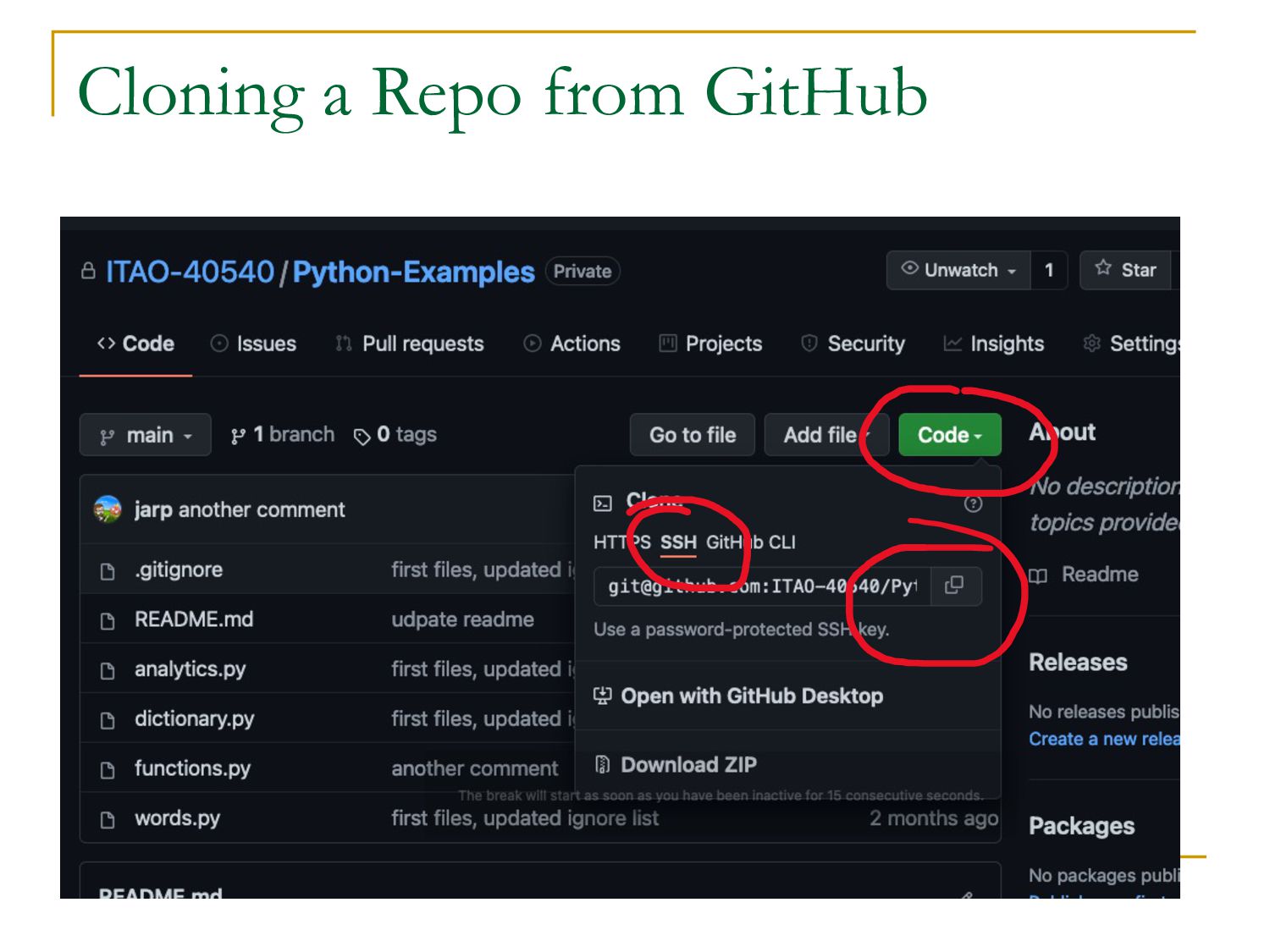
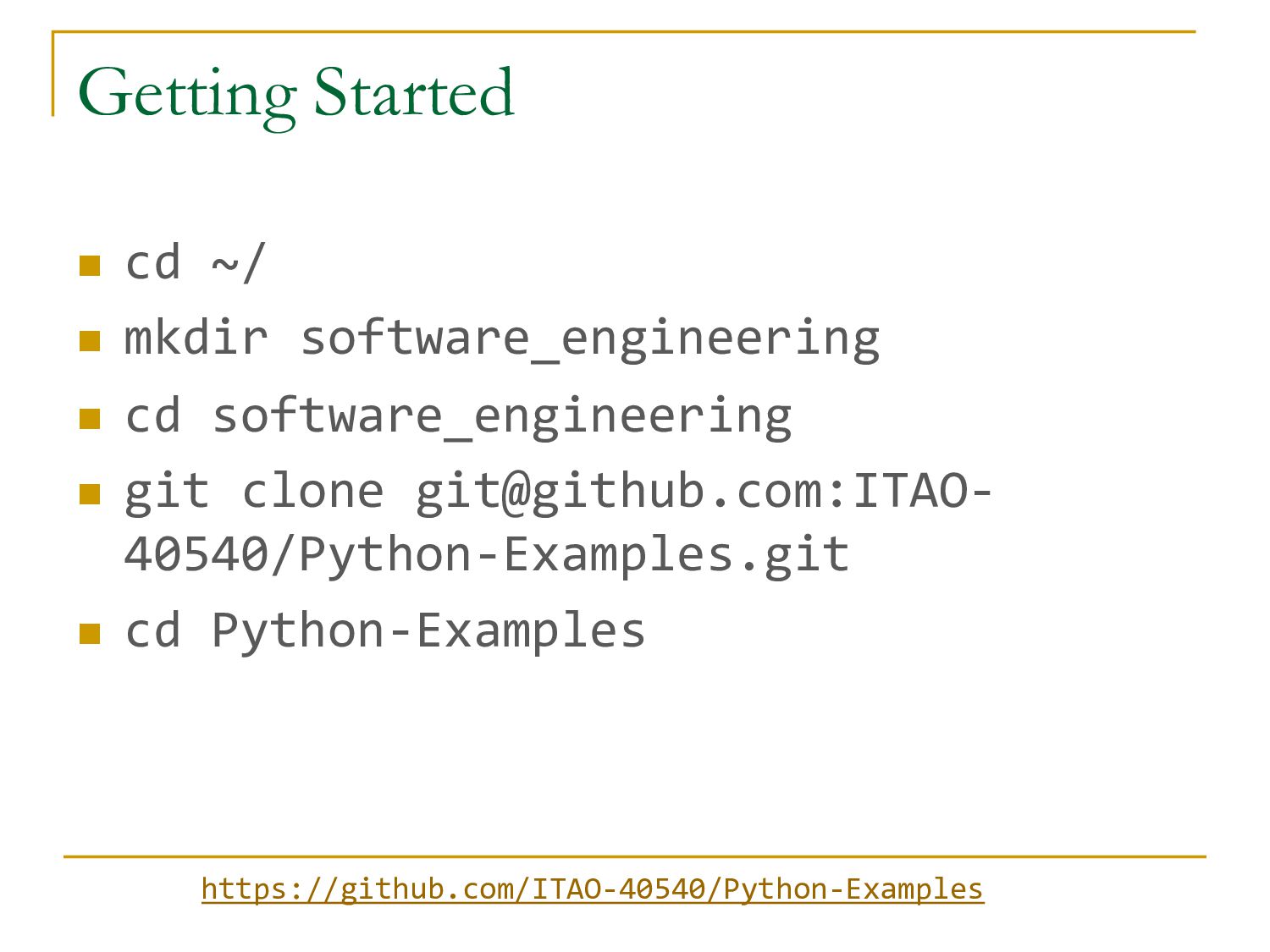
that enables two computers to communicate. Similar to HTTP (web browsers) q Common uses of SSH n Server Administration n Code deployments to servers n GitHub and other Server based services q Syntax: n ssh user@ip-address (ssh [email protected]) n [email protected]:jarp/Farkle-Cli-40540.git
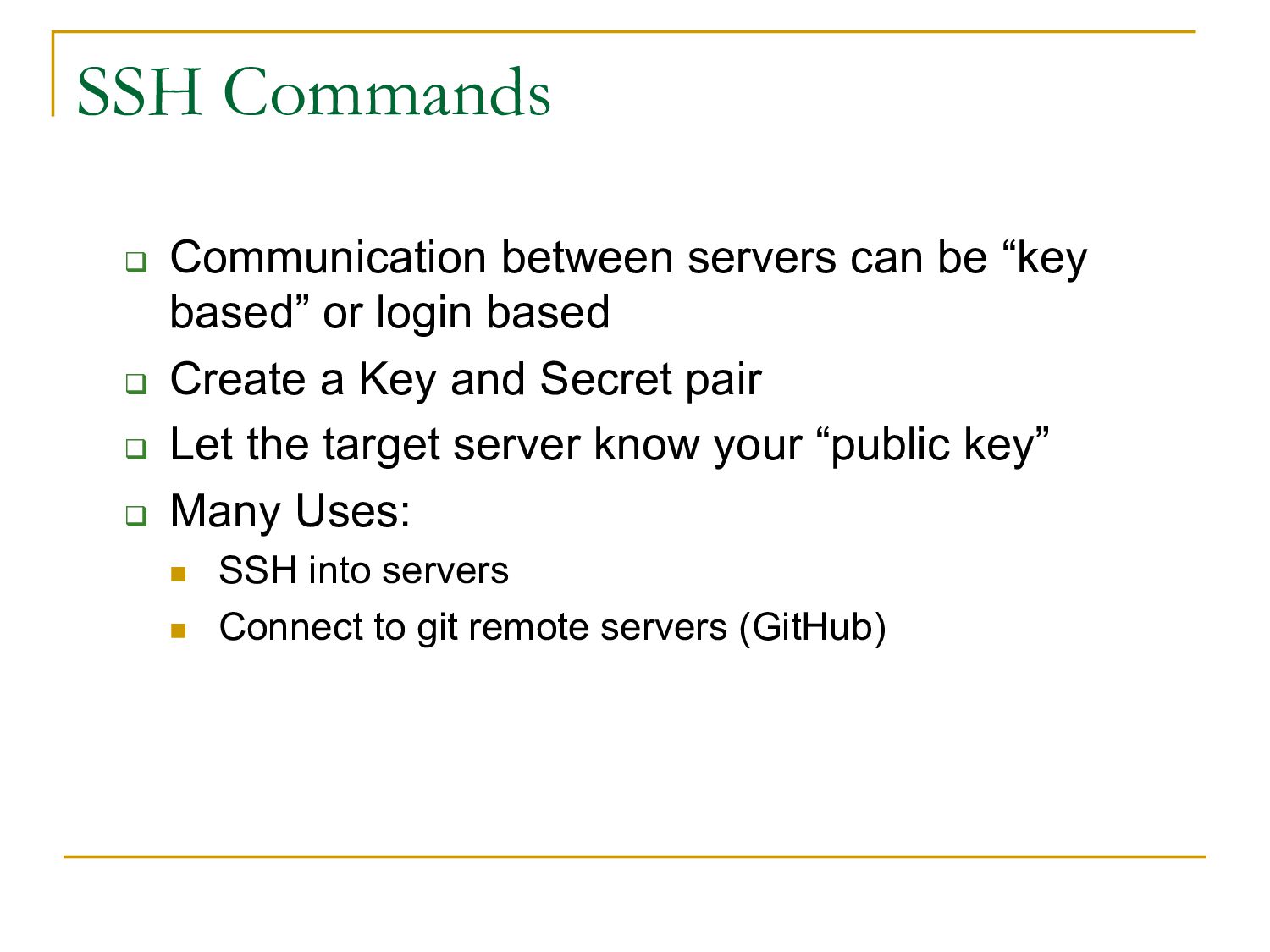
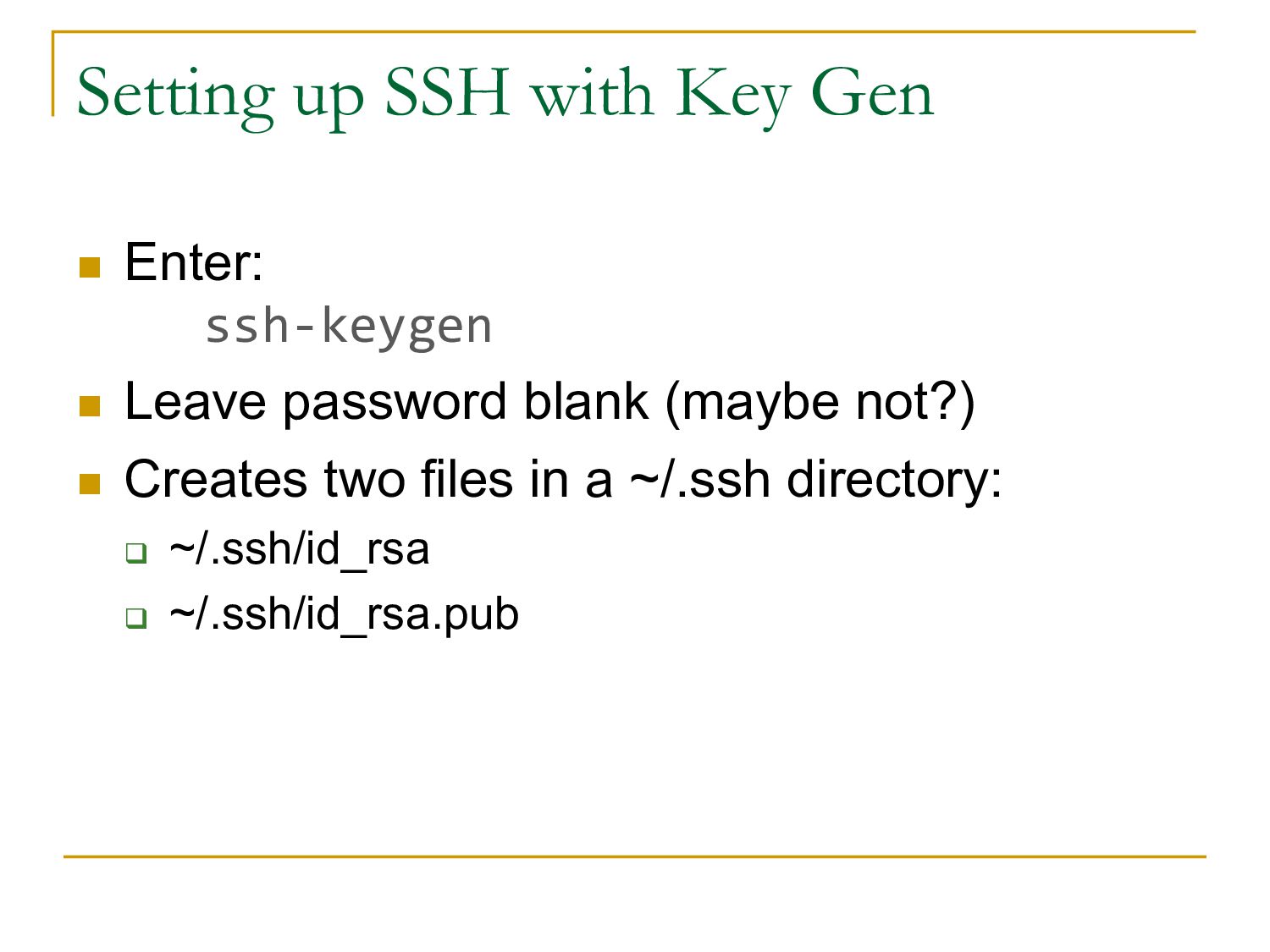
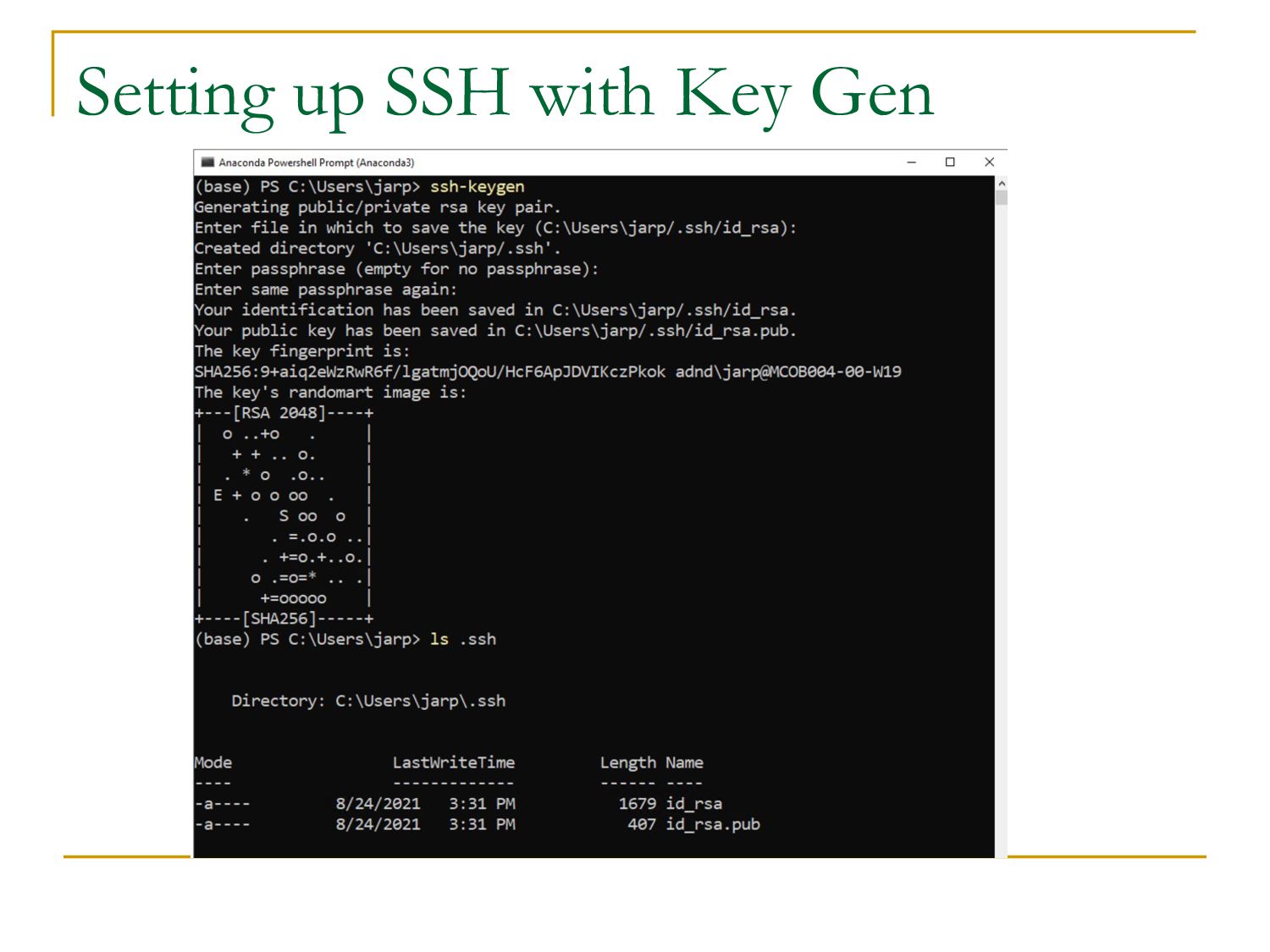
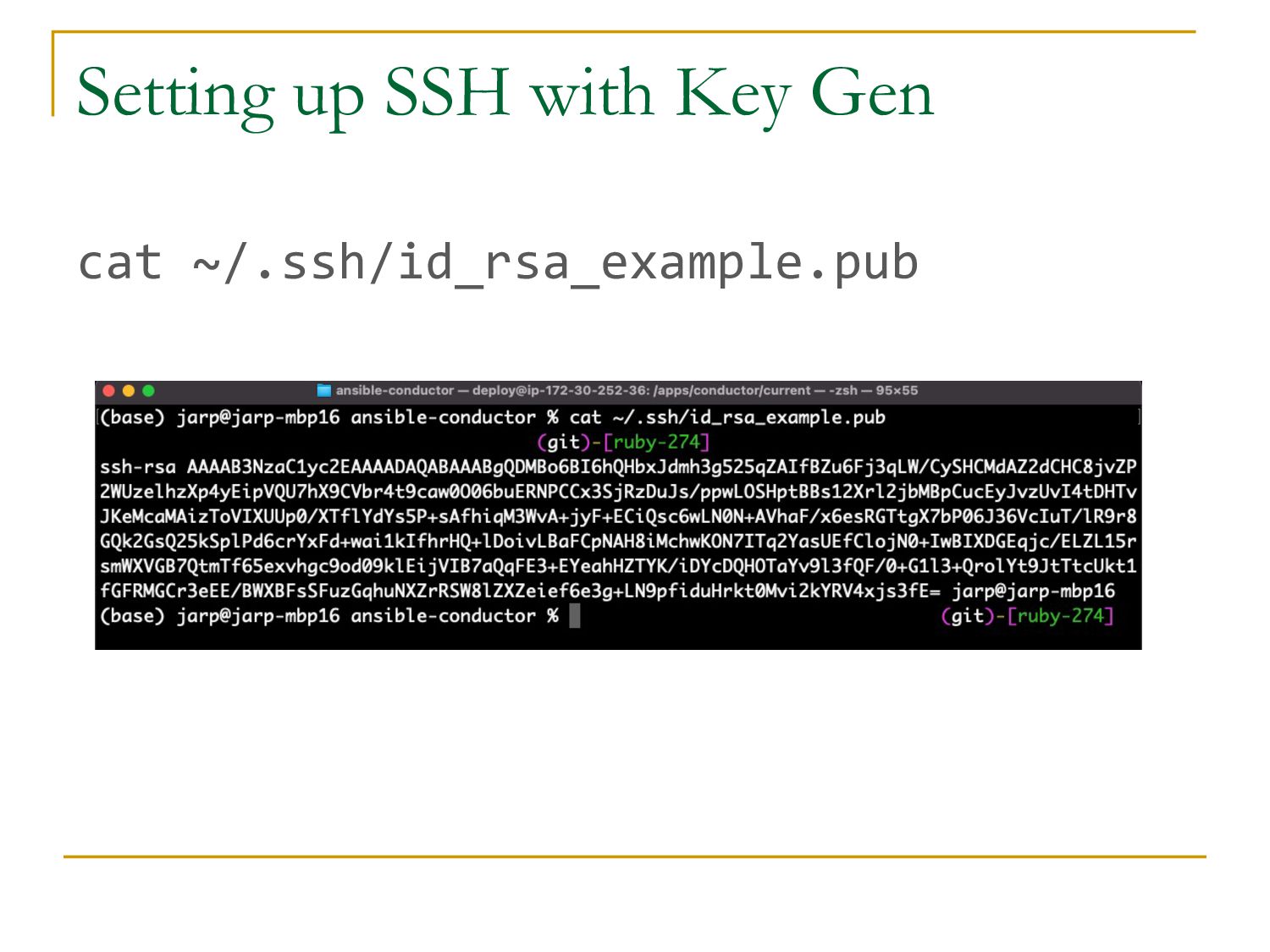
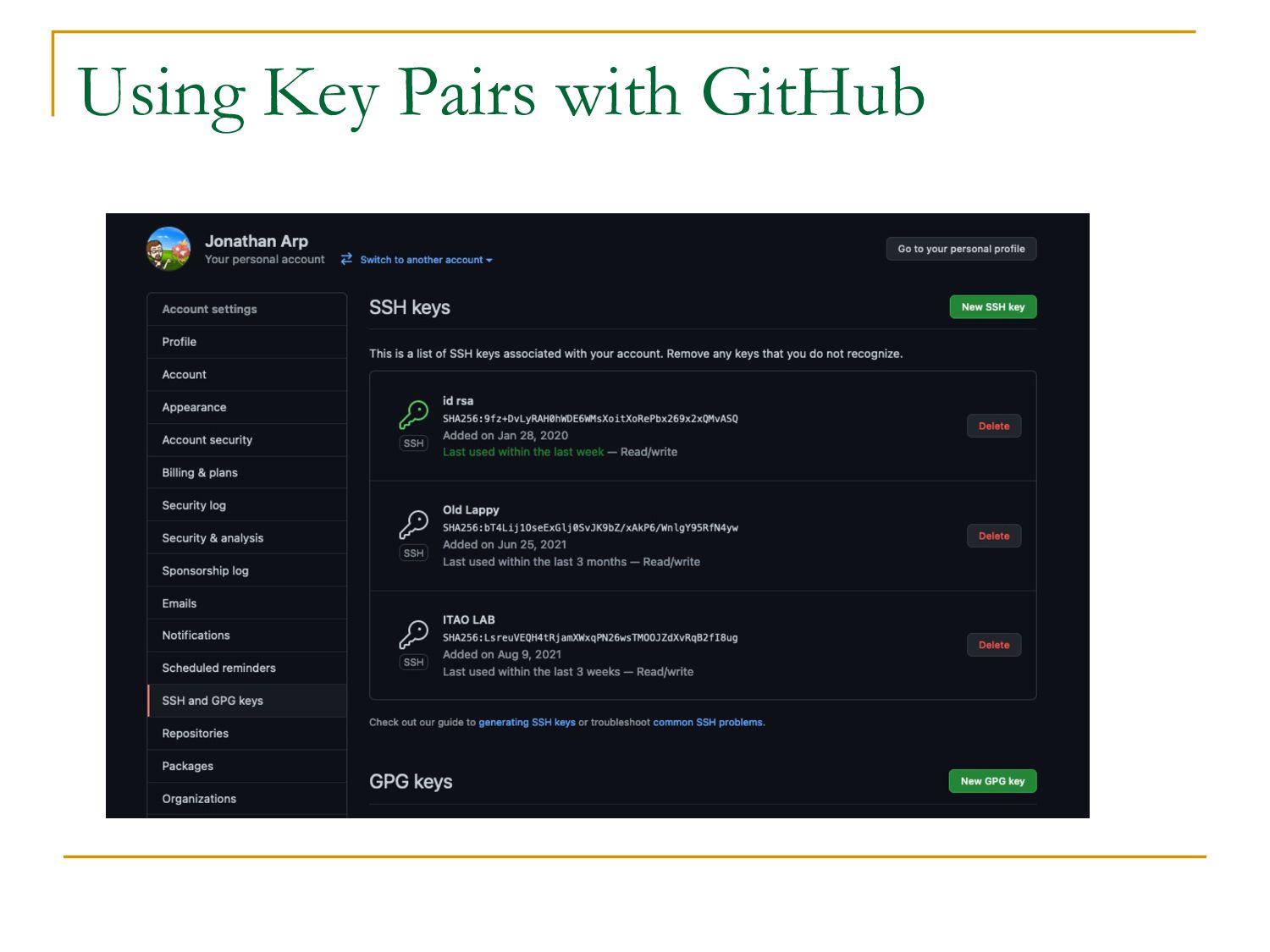
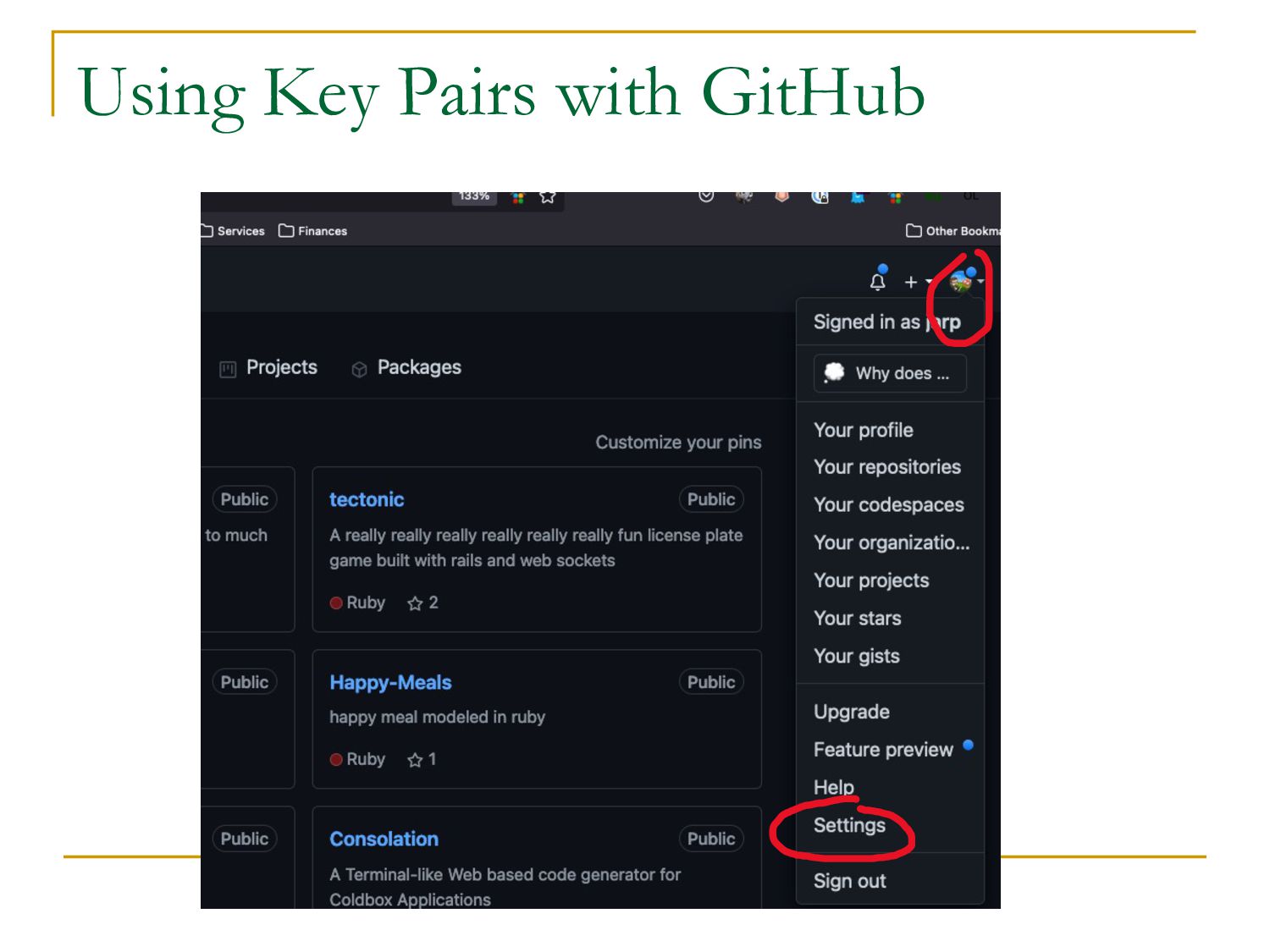
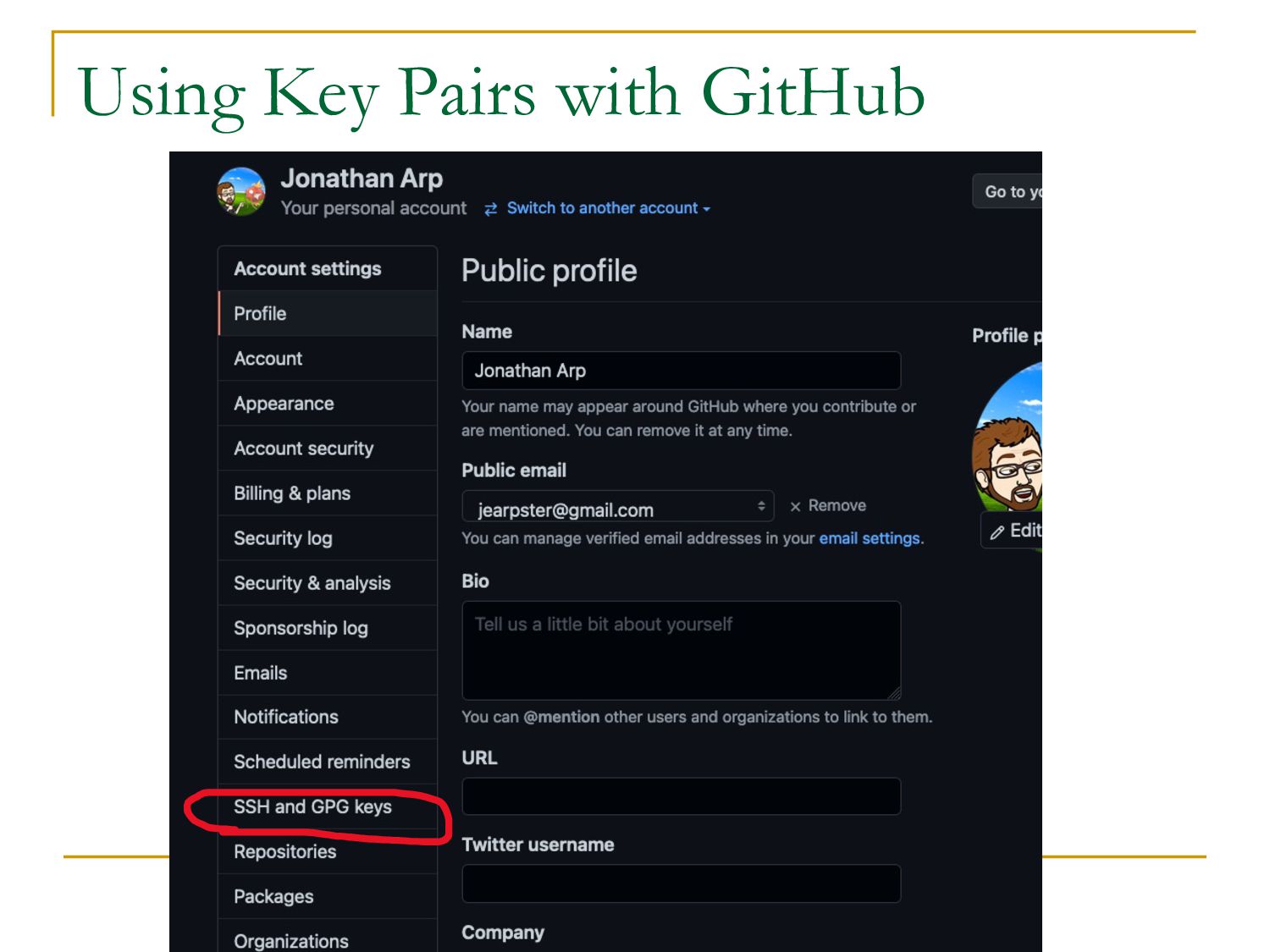
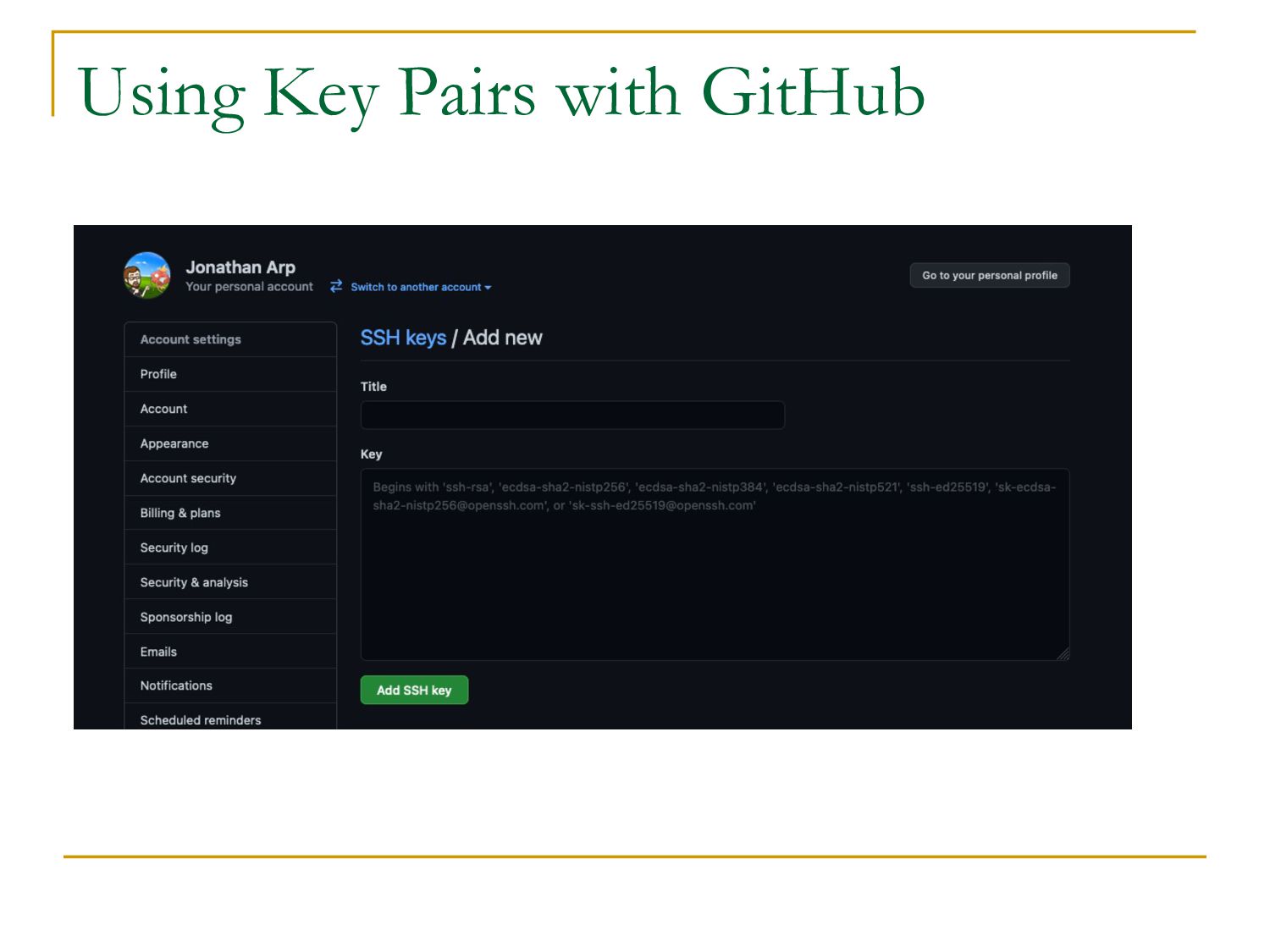
or login based q Create a Key and Secret pair q Let the target server know your “public key” q Many Uses: n SSH into servers n Connect to git remote servers (GitHub)
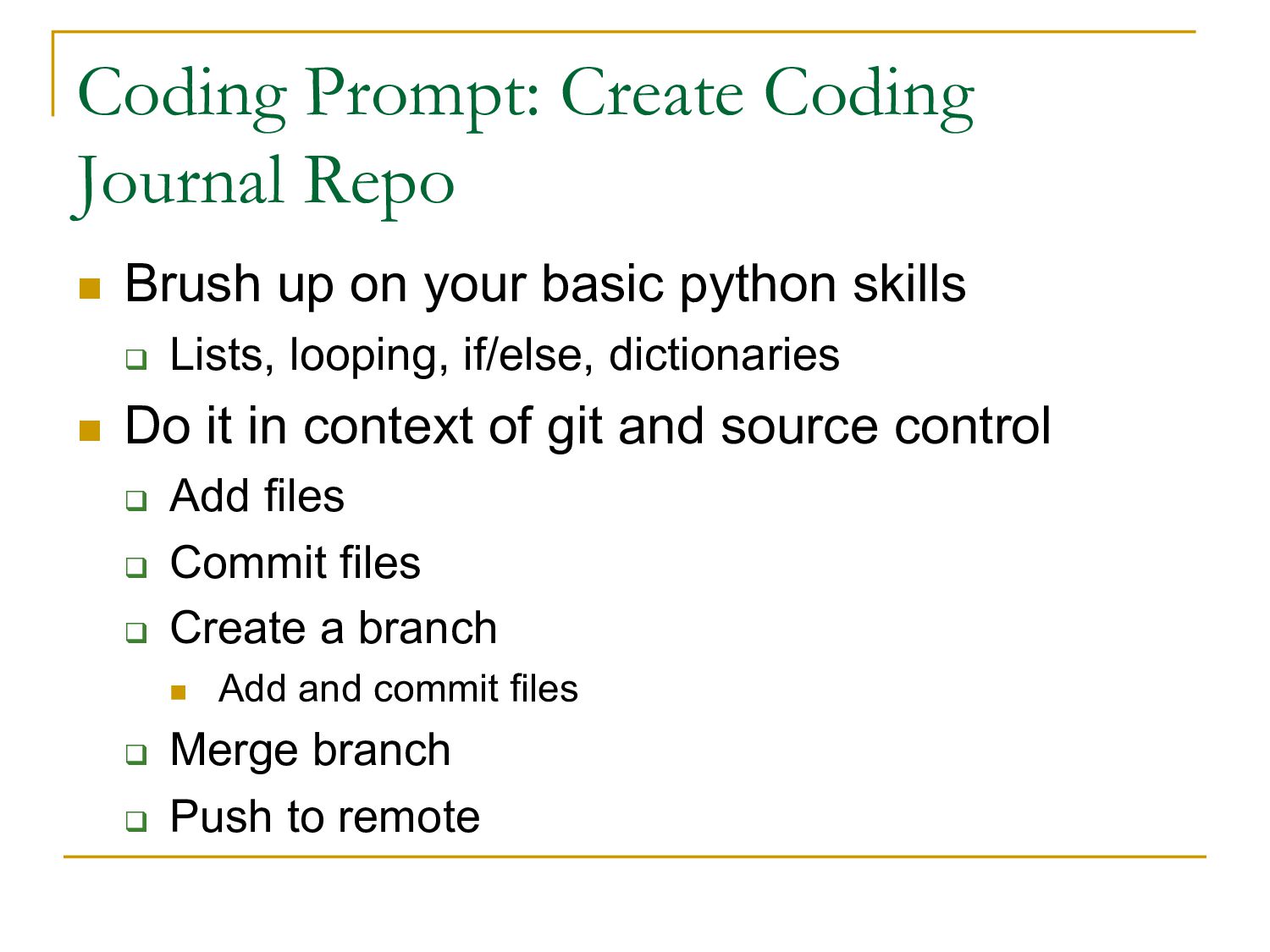
your basic python skills q Lists, looping, if/else, dictionaries n Do it in context of git and source control q Add files q Commit files q Create a branch n Add and commit files q Merge branch q Push to remote


 jarp
jarp
 erunyon
 orderedlist
 zastrow